AI Minecraft Skin Generator

Upload a portrait or reference image, then use the ai minecraft skin generator to preserve the subject cues and convert them into an original blocky voxel sandbox-game skin preview.

Create original voxel skins from photos, outfits, and character ideas

This ai minecraft skin generator is built for people who want a readable blocky avatar concept without copying official game artwork. Use the ai minecraft skin generator from image when a selfie, portrait, cosplay photo, pet-inspired outfit, team uniform, or creator profile already has the identity cues you want to keep. Use the ai minecraft skin generator from text when you only have a style idea. The goal is a clean original voxel skin preview: square head, blocky proportions, simplified clothing panels, clear color mapping, and enough personality to guide a final sandbox-game avatar.

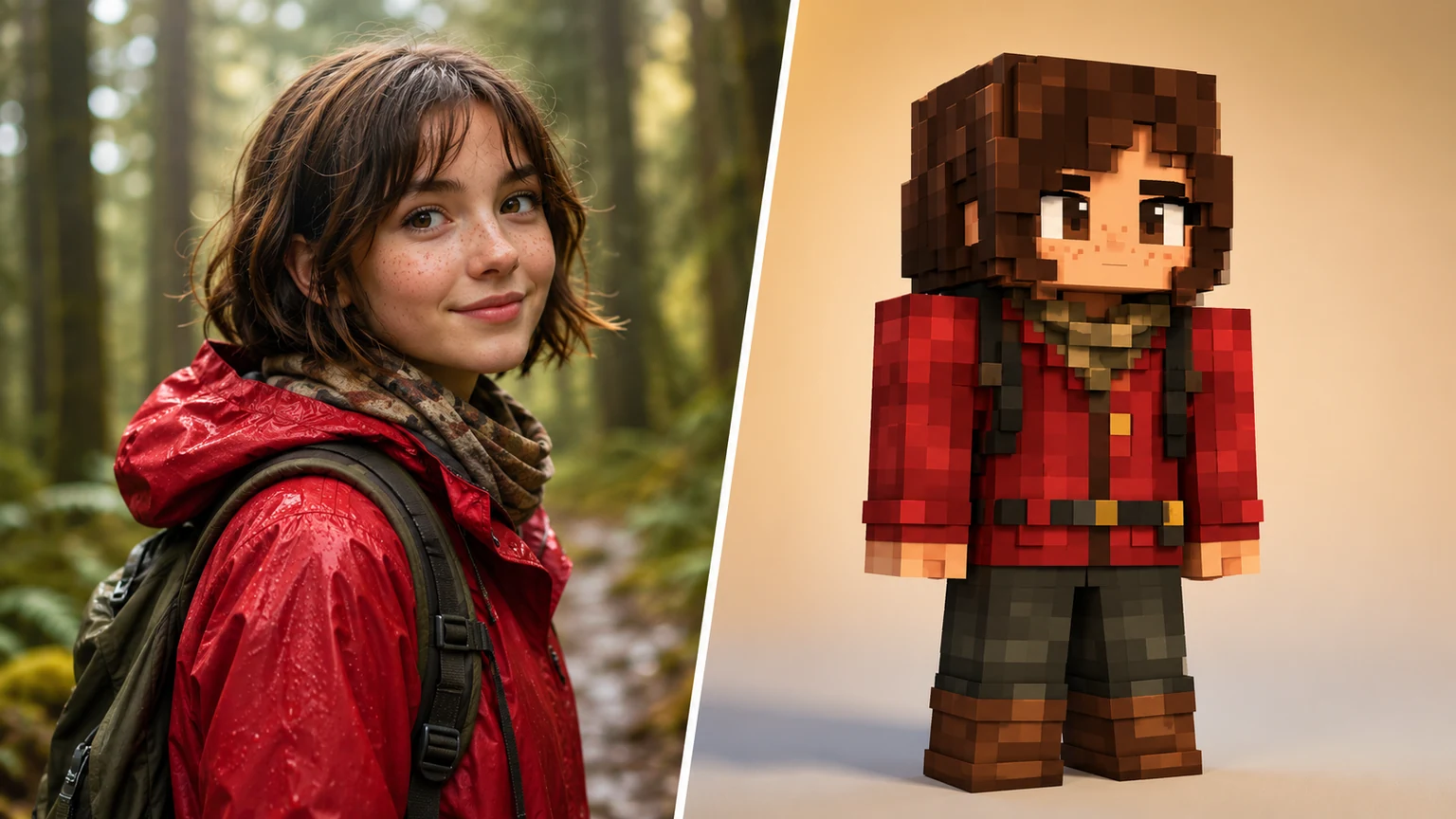
AI minecraft skin generator from image converting a red rain jacket forest portrait into an original voxel skin

From Image

Turn a reference photo into a minecraft skin generator ai brief

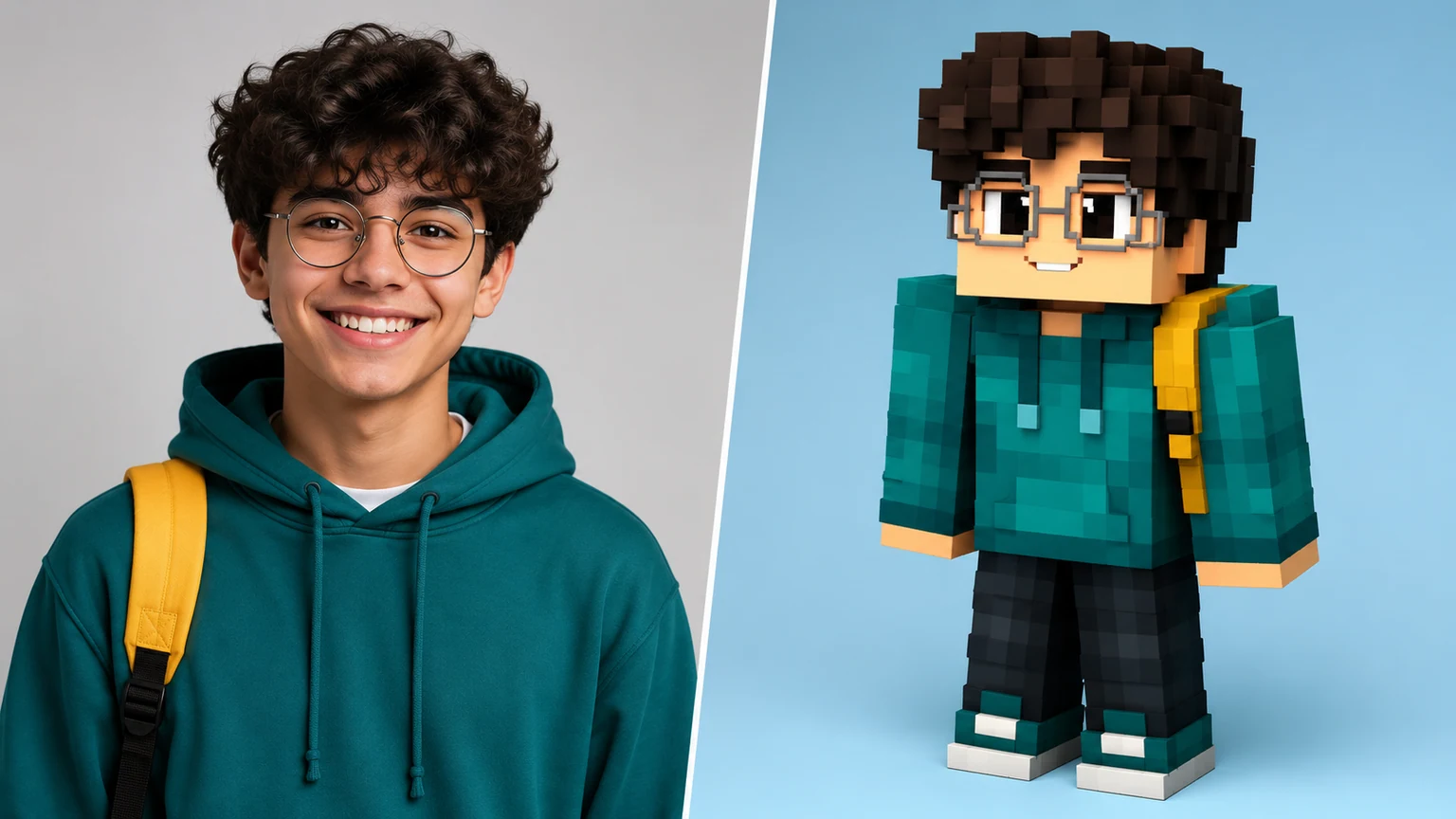
A strong minecraft skin generator ai workflow starts by deciding what must survive the transformation. With this ai minecraft skin generator, the important details are usually hair shape, glasses, jacket color, scarf, hat, backpack strap, gloves, or a signature accessory. The preview image shows the source on the left and the voxel skin direction on the right so visitors can understand the difference. Inside the generator, the reusable prompt asks for a single transformed output, not a split-screen image, which keeps the ai minecraft skin generator from image workflow practical for uploads.

Photo to skinIdentity cuesVoxel style
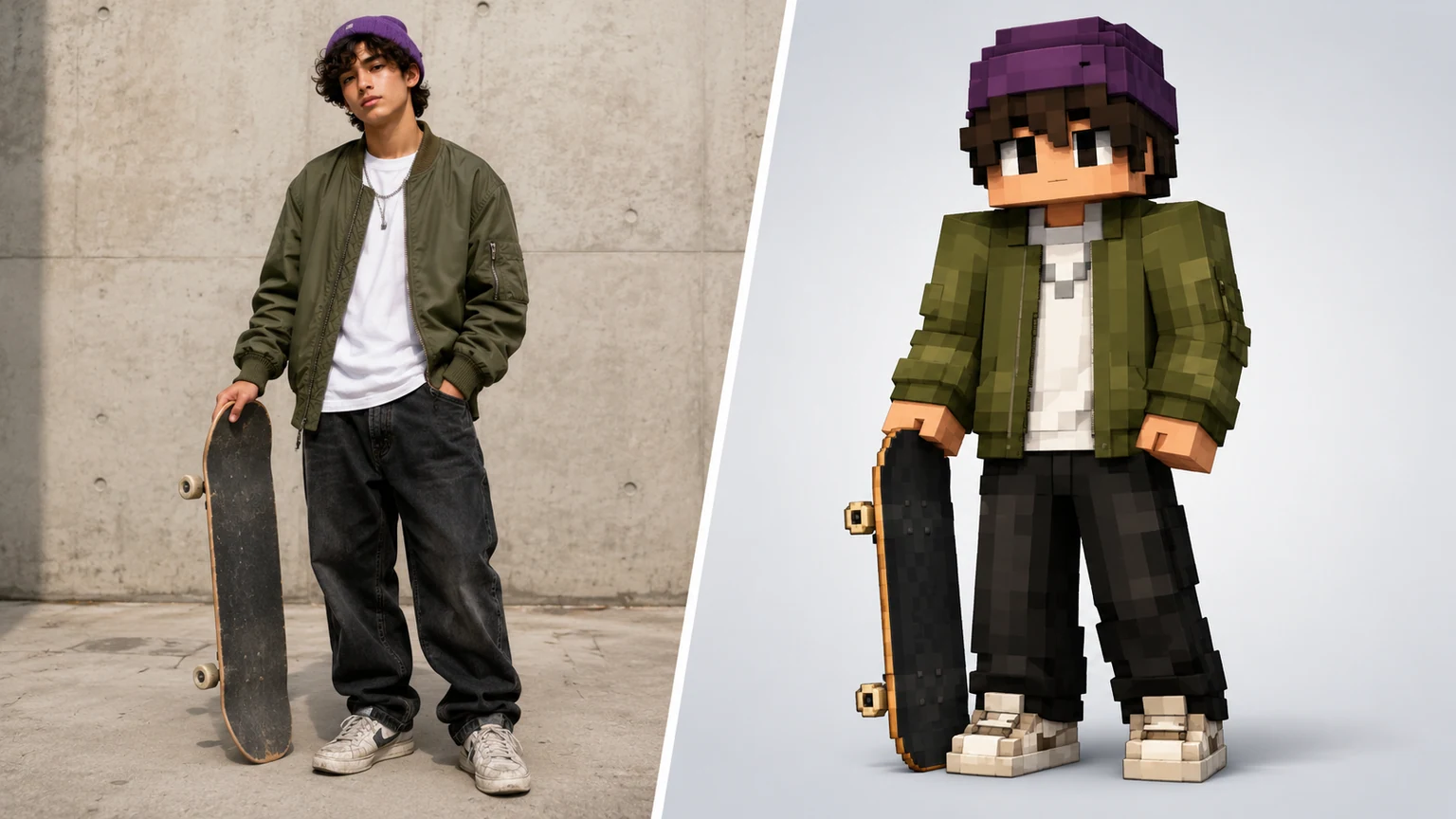
AI minecraft skin generator free example turning an original skateboarder outfit into a voxel skin preview

Original Looks

Use an ai minecraft skin generator free workflow safely

Many people search for ai minecraft skin generator free because they want to test an outfit idea fast. The safest direction is to create original blocky characters rather than requesting official characters, protected skins, brand marks, or exact copies from a server. This ai minecraft skin generator free page focuses on unbranded outfits and personal style cues: a purple beanie, olive bomber jacket, plain shirt, worn sneakers, or skateboard. The ai minecraft skin generator turns those cues into a sandbox-game skin concept that feels familiar in format but remains an original character design.

Free workflowNo logosOriginal avatar
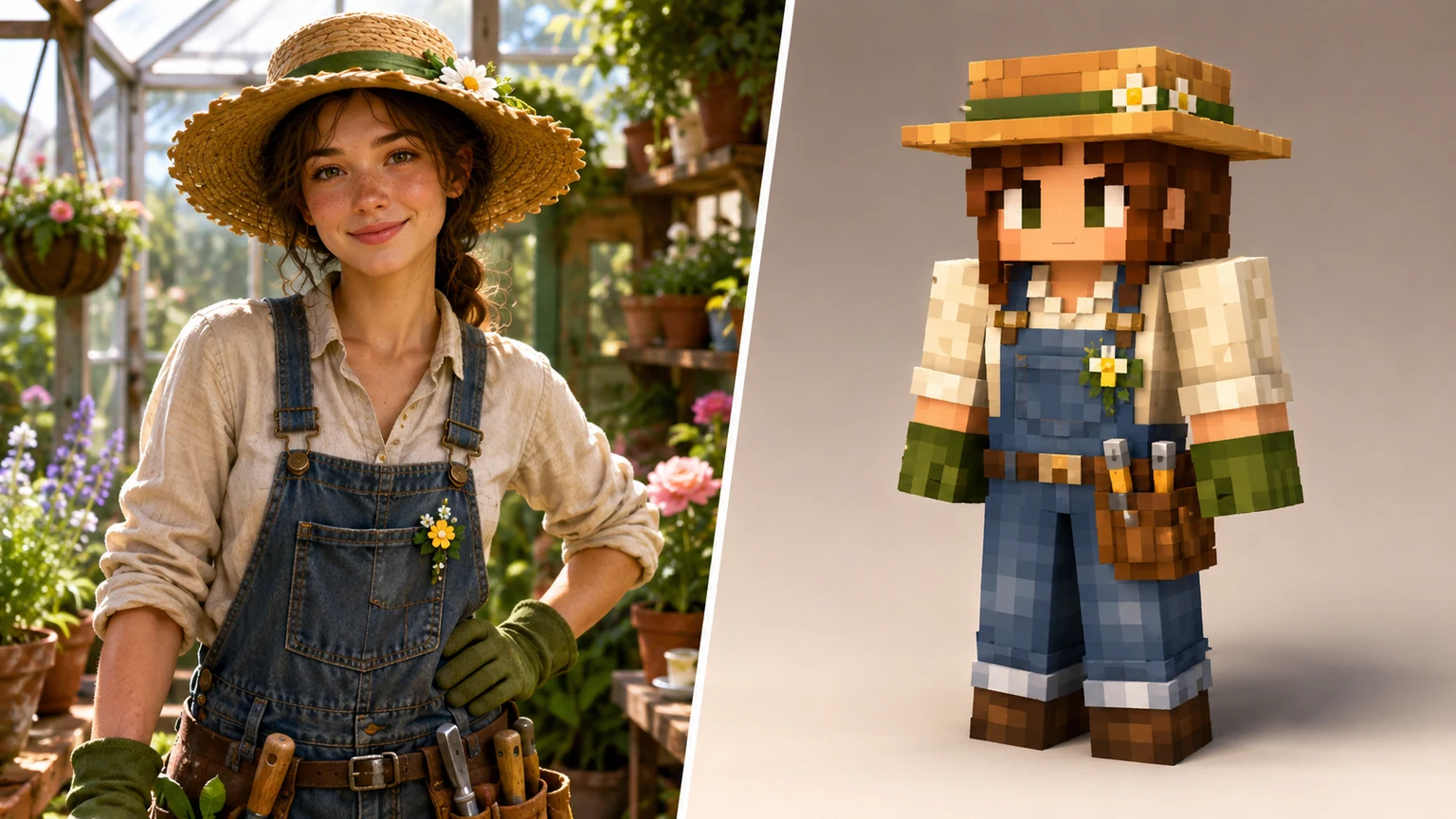
AI minecraft skin generator game style example converting a greenhouse gardener into a blocky voxel skin

Style Control

Guide an ai minecraft skin generator game-ready style

A useful ai minecraft skin generator game prompt describes the subject as an avatar skin preview, not a full branded game screenshot. Ask for a cube-like head, rectangular body, pixel-art clothing blocks, simple shading, front-facing readable pose, and color blocks that could guide a skin editor. The gardener example shows how a straw hat, denim overalls, gloves, and tiny flower detail can become clean pixel accents. The ai minecraft skin generator should simplify details instead of packing every photo texture into the skin.

Game-readyPixel blocksStyle control
Workflow

How to use the ai minecraft skin generator from image

Use this ai minecraft skin generator workflow when you want a clean original voxel avatar concept from a reference photo, text brief, or outfit idea.

1

Upload or describe the subject

Start the ai minecraft skin generator with a portrait, outfit photo, character sketch, or text prompt. Name the visible cues that matter most: hair, glasses, hoodie, scarf, hat, apron, suit panels, color palette, and accessory shapes.

2

Ask for a single voxel skin preview

For the generator prompt, request one transformed output. Tell the ai minecraft skin generator from image to preserve identity cues and simplify them into blocky voxel skin panels, cube proportions, and pixel-style clothing details.

3

Avoid protected or official elements

Keep the ai minecraft skin generator safe by avoiding official Minecraft logos, official UI, Steve, Alex, copyrighted characters, brand marks, server mascots, watermarks, and exact IP reproduction. Use original outfits and broad sandbox-game language.

4

Refine the skin cues

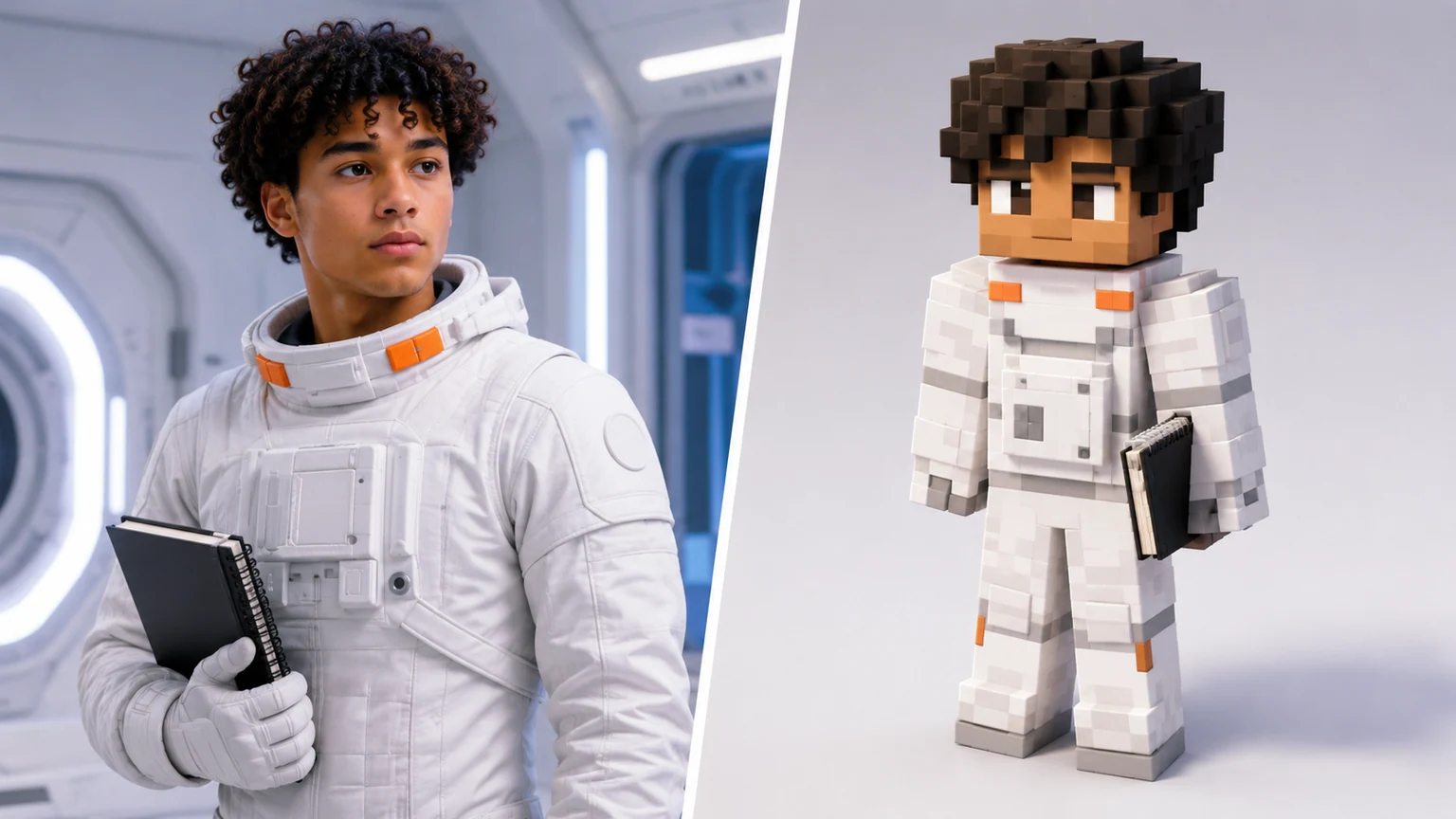
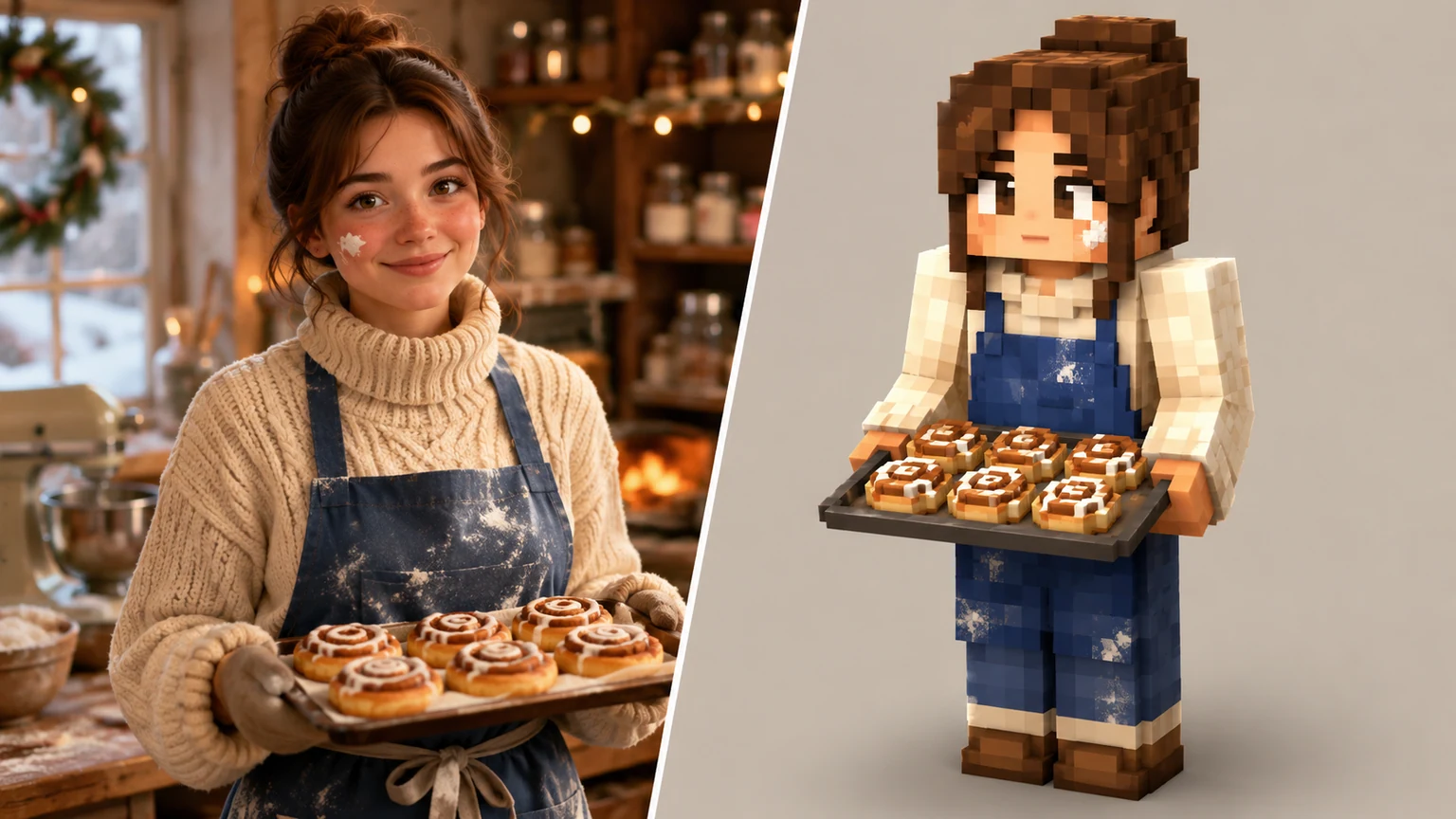
If the first ai minecraft skin generator result loses a cue, add it clearly: round glasses, teal hoodie, yellow backpack strap, purple beanie, red jacket, blue apron, orange suit tabs, or freckles as tiny pixel accents.

AI minecraft skin generator prompt ideas

These ai minecraft skin generator examples show how different real-world references can become original blocky voxel skin previews while keeping the generator prompt focused on one transformed result.

AI Minecraft Skin Generator FAQ

Common questions about using an ai minecraft skin generator free online, creating original voxel skins from photos, and keeping prompts safe for sandbox-game avatar concepts.


Create an original voxel skin preview

Use the ai minecraft skin generator to turn a portrait, outfit photo, or character idea into an original blocky voxel skin concept. Start with the image-to-image prompt above, preserve the subject cues that matter, and keep the ai minecraft skin generator result safe by avoiding official logos, UI, Steve, Alex, copyrighted characters, brand marks, and exact IP reproduction.

Try AI Minecraft Skin Generator