AI Photo Relight — Creative Studio

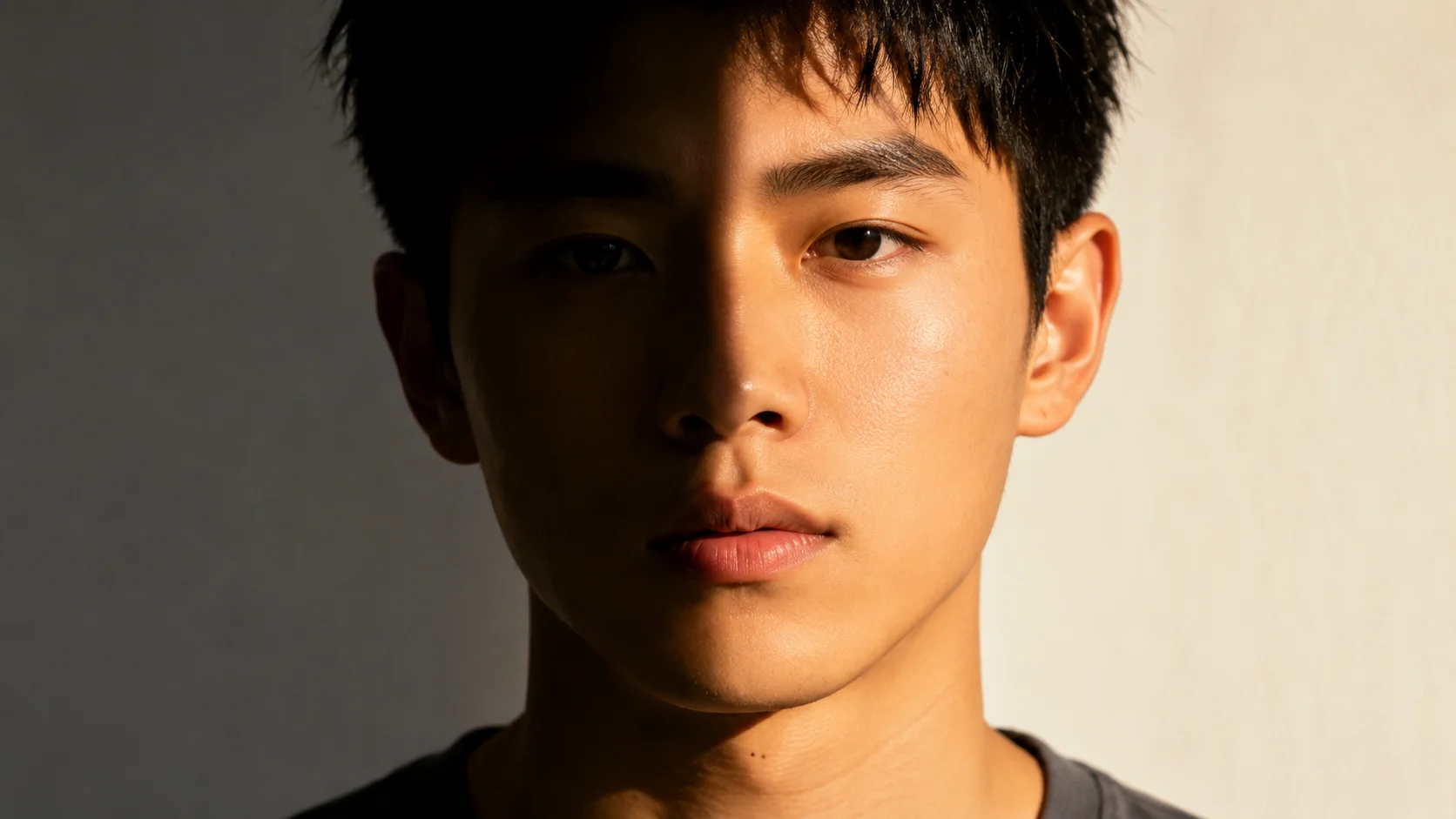
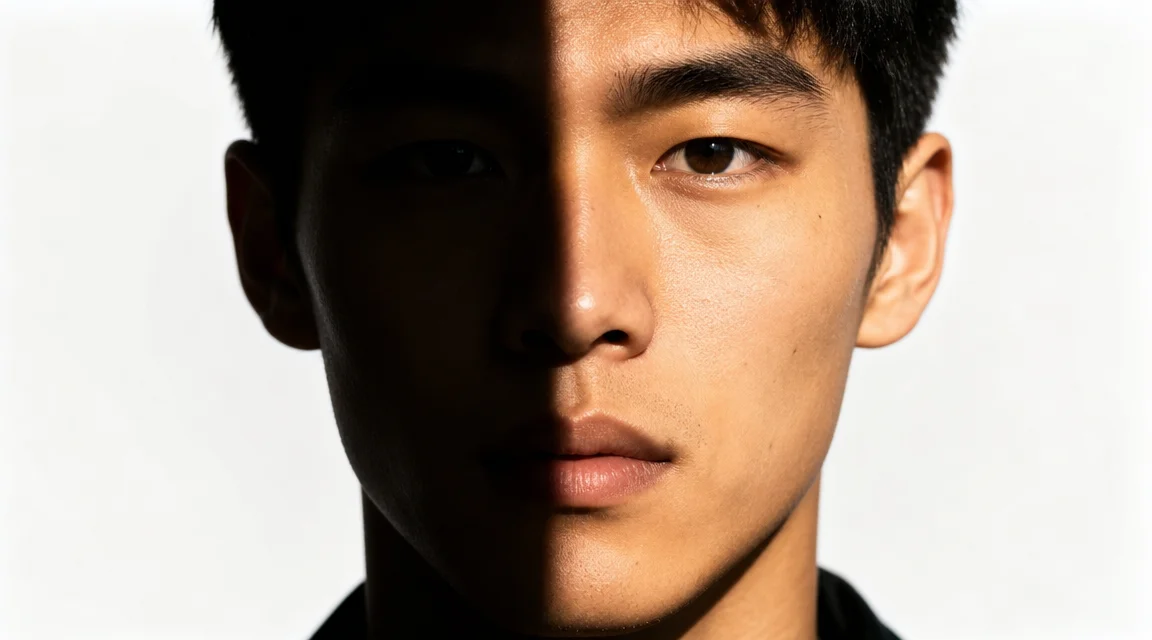
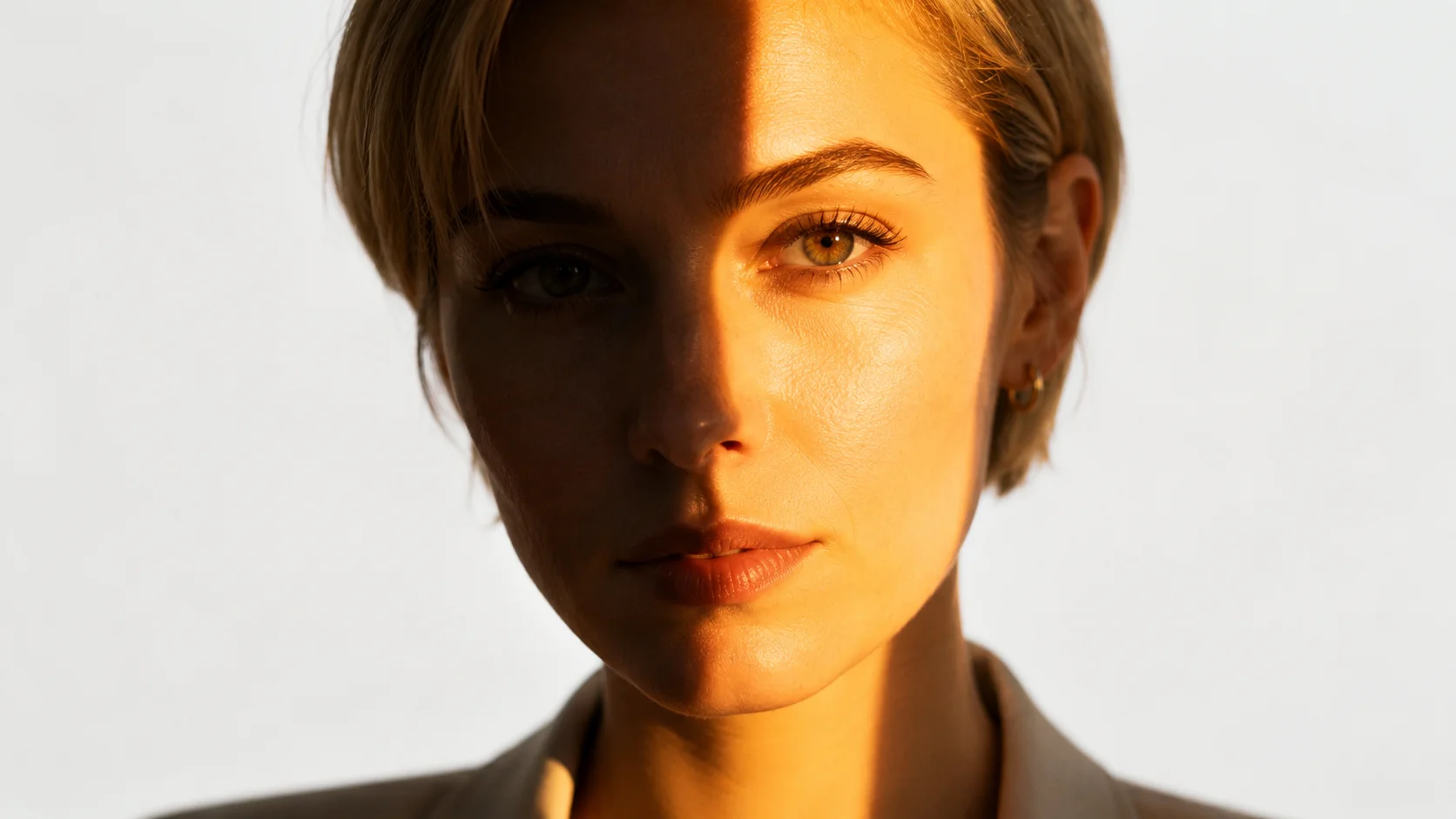
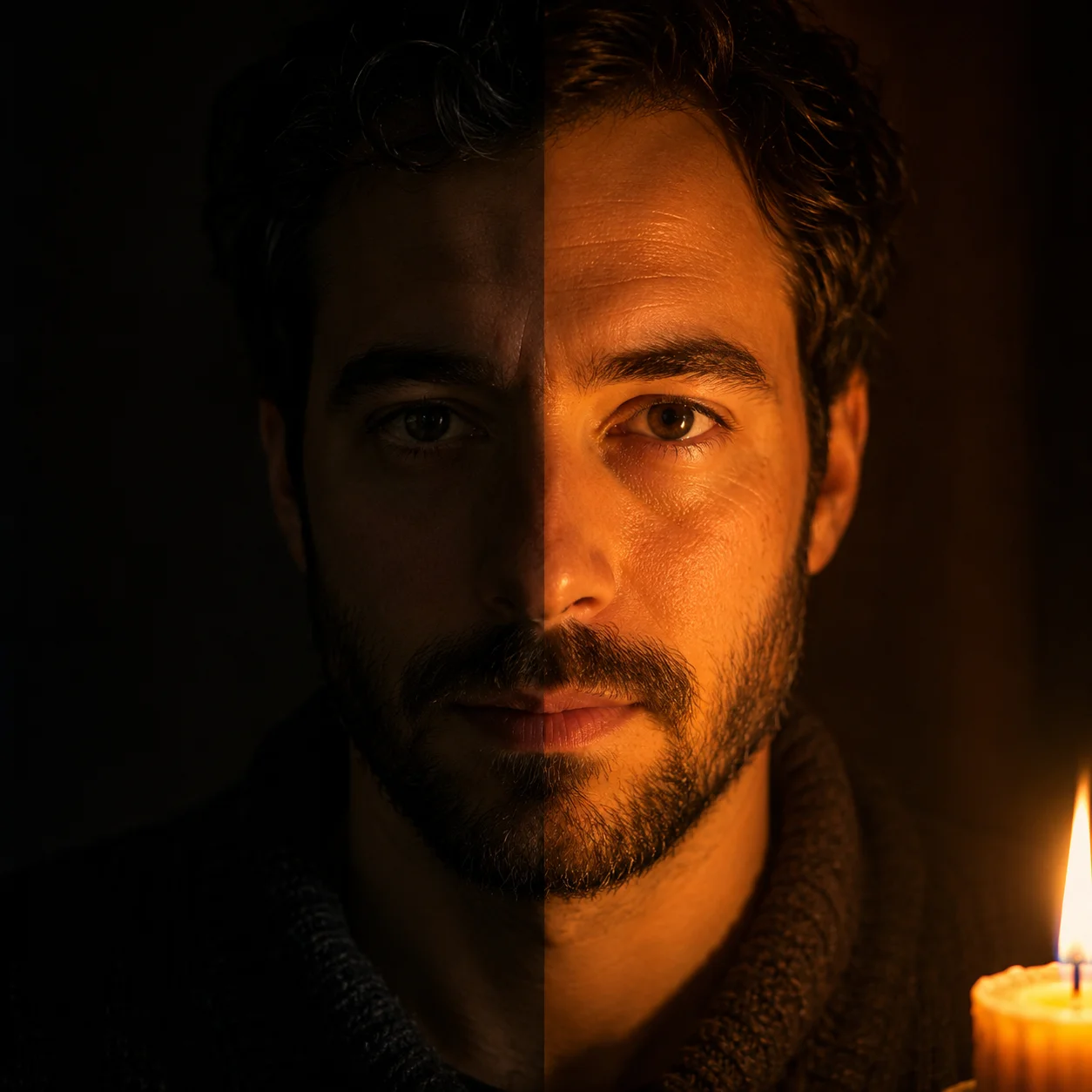
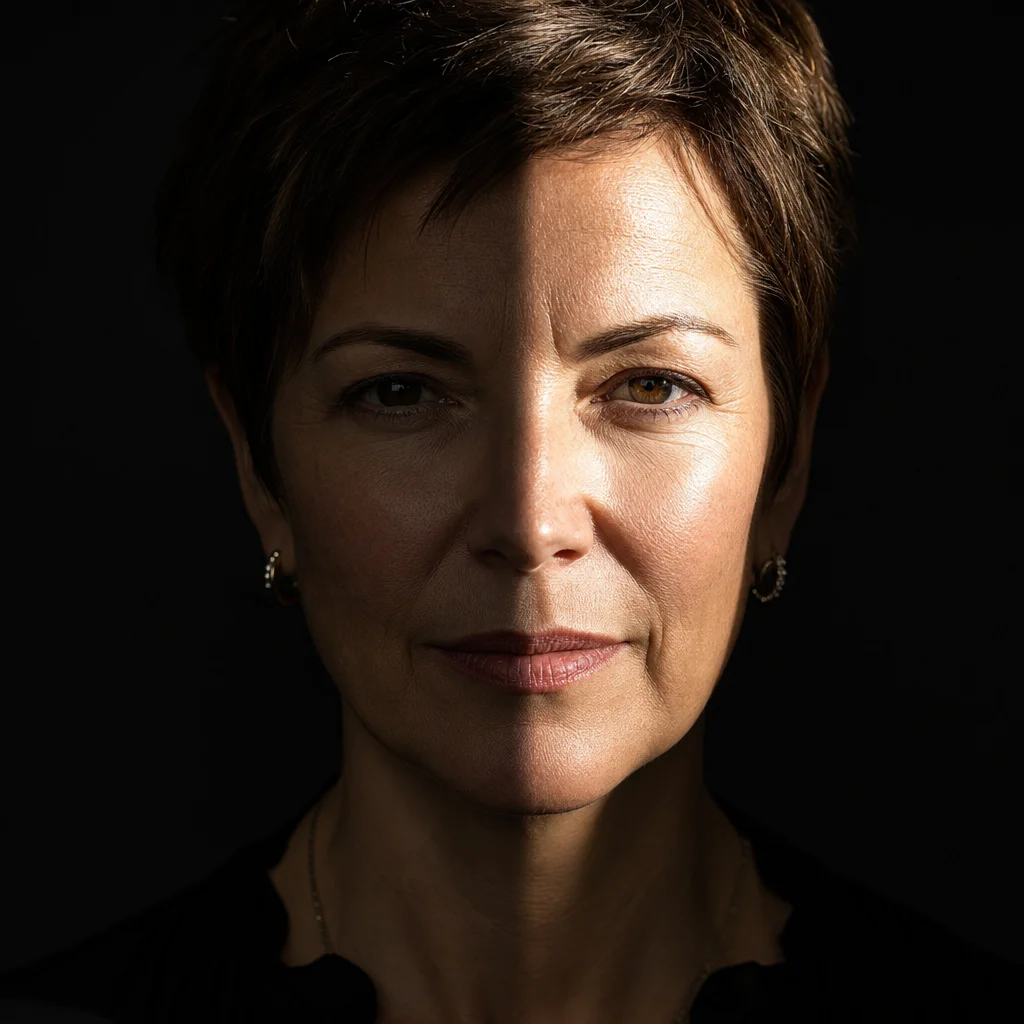
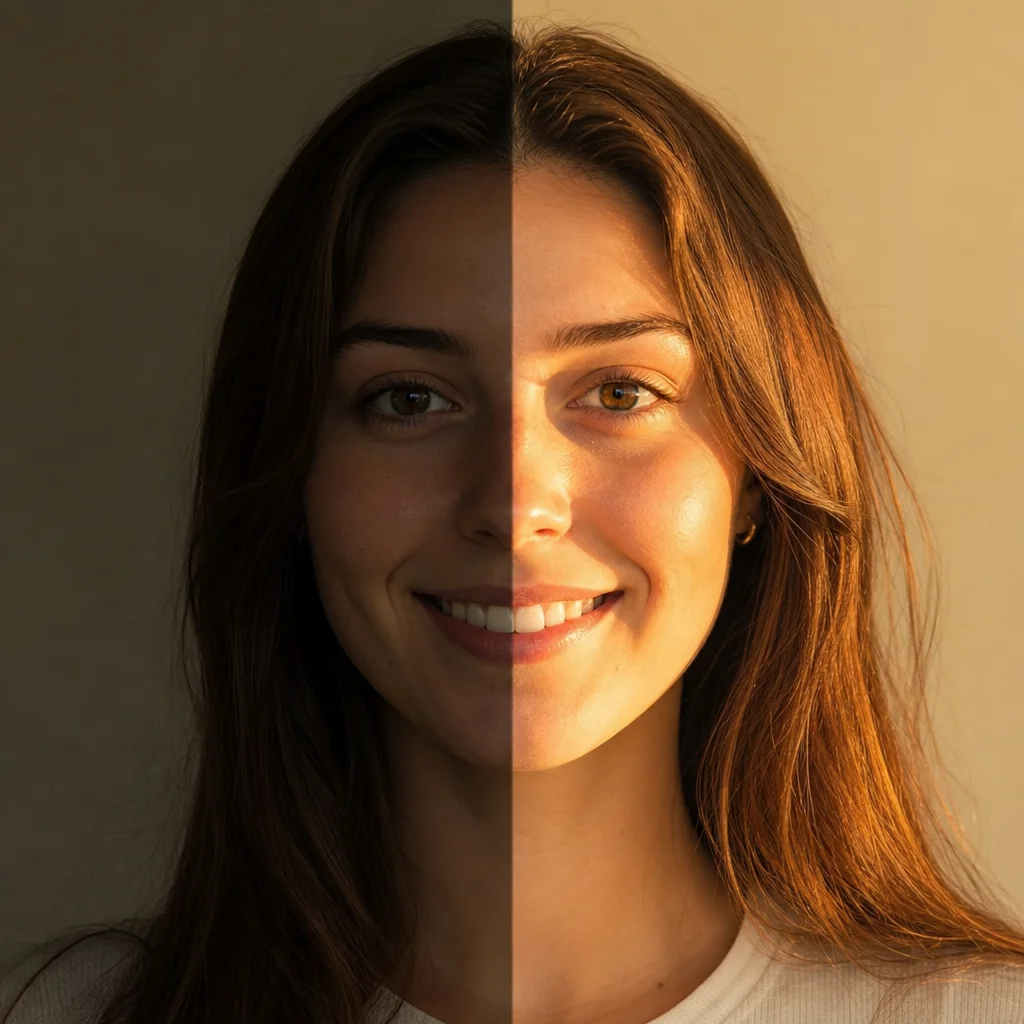
Transform any photo with a new light source using ai photo relight. Choose sunlight, candlelight, window glow, or spotlight, and watch the mood and atmosphere shift. This ai photo relighting tool is built for creative exploration.

Explore creative lighting directions with ai photo relight

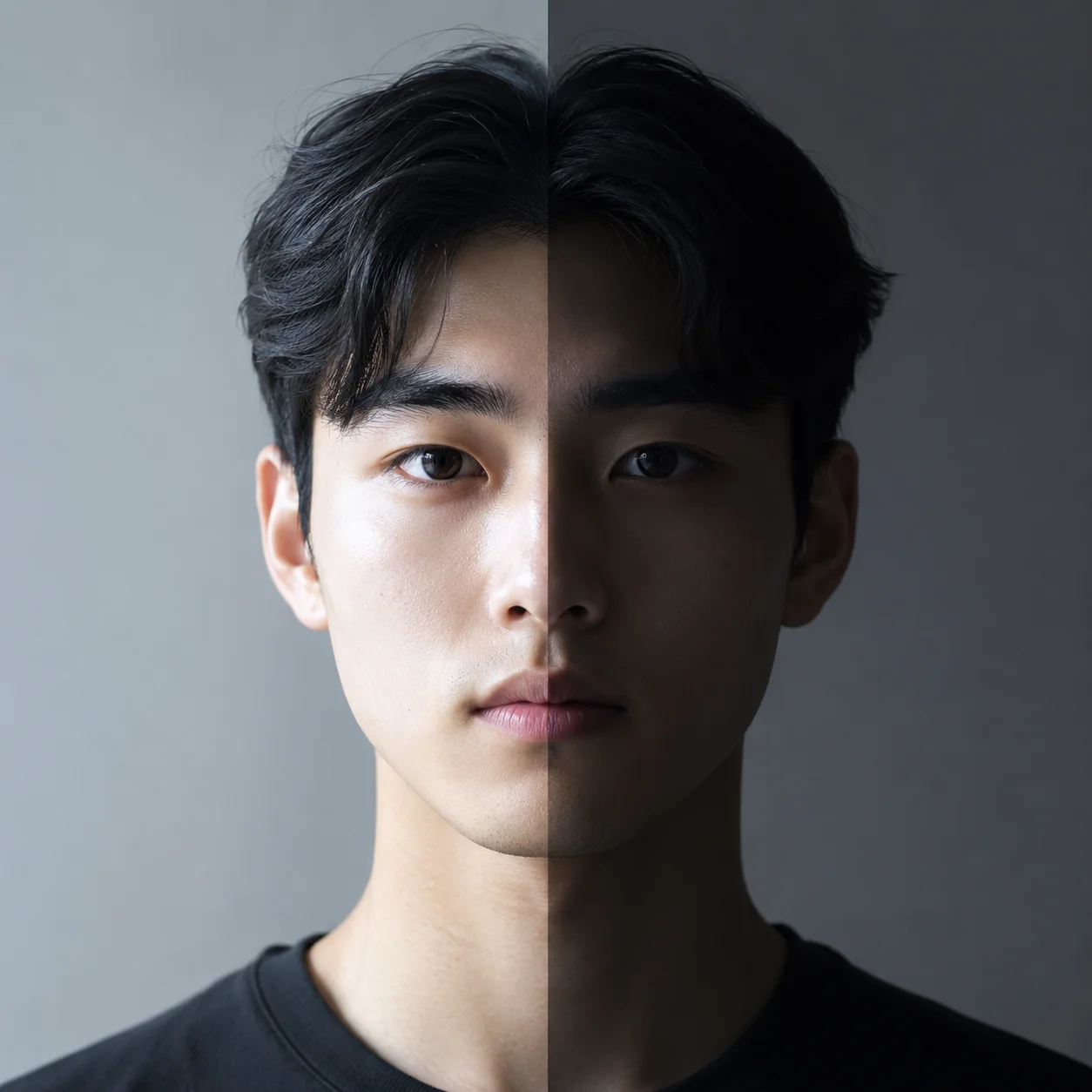
The ai photo relight tool lets you experiment with light creatively. Every light source changes the story, emotional temperature, and depth. Use ai photo relighting to explore how different light sources rewrite the same image.

AI photo relight example showing golden hour sunlight transforming a breakfast table scene

Sunlight

Relight photo with golden hour sun using ai photo relight

Natural sunlight is a versatile tool in the ai photo relight palette. A flat overcast scene can feel completely different when relit with warm directional sunlight. Try a breakfast table: the gray original becomes rich amber side light, the toast gets a crispy edge glow, coffee steam becomes visible, and the ceramic mug gains a bright rim highlight. The ai photo relighting tool handles material response automatically. Experiment with low-angle versus high noon light to see how the character changes.

Golden hourSide lightMaterial response
AI photo relight example showing soft north-facing window light transforming a plant corner

Window Light

Create soft painterly moods with ai photo relighting through window light

Window light combines direction with softness, making it a favorite in photography. An ai photo relight with window light gives a broad, wrapping quality that flatters most subjects. Picture an interior corner with a potted monstera, a woven basket, and art books. Under ceiling light it is forgettable. With a north-facing window on the left, the monstera leaves become translucent green, the basket gains texture, book spines catch soft highlights. Adjust the window size, time of day, and color temperature to tell different stories.

Soft lightInterior moodPainterly
AI photo relight example showing high-contrast cinematic spotlight on a writer's desk

Dramatic Contrast

Use ai photo relight free to create high-contrast cinematic scenes

Sometimes the most dramatic stories live in shadow. An ai relight free photo online with high-contrast lighting turns an ordinary desk into a noir film scene. Take a desk with a typewriter, scattered paper, a coffee cup, and reading glasses. Under room light it is just a desk. With a hard low-angle spotlight, the typewriter keys cast long shadows, the coffee cup creates a crescent highlight, glasses project distorted shadow patterns, and most of the scene falls into deep black. Experiment with narrow beams for tight pools or broader sources for softer noir looks.

Noir lightingHigh contrastDramatic shadow
Creative Workflow

How to use ai photo relight online free tool

Describe your original scene, imagine the new light source, and let the ai relight free photo online tool bring that vision to life. Each lighting experiment opens a new creative direction.

1

Describe your starting scene

Begin your ai photo relight prompt by describing the original scene as if looking at a photograph. What objects are in the frame? What is the current mood? A clear scene description gives the ai photo relighting tool a reference point. Be specific about materials: ceramic, wood, fabric, glass, metal.

2

Select your creative light source

Decide what light source will transform the image: warm golden sunlight through a window, a single candle flame, a hard studio spotlight, or colored neon from the side. The ai photo relight tool responds to the quality, direction, color, and intensity you describe.

3

Describe the lighting effects

Tell the ai photo relighting tool what happens when the new light hits the scene. Which surfaces catch highlights? Where do shadows fall? Does the light create a warm amber glow or a cool blue atmosphere? Describe material reactions: glass refracting, metal gleaming, fabric catching rim light.

4

Generate, review, and iterate

Run the ai photo relight free tool and study the result. Does the light direction match your vision? Are the shadows rich enough? Adjust the prompt to change color temperature, beam width, or shadow density. Each iteration teaches you how light shapes mood and story.

AI photo relight creative prompt ideas

These ai photo relight ideas show how changing the light source transforms the narrative of an image. Each direction offers a different creative angle for your next prompt.

AI Photo Relight — Creative FAQ

Common questions about the ai photo relight tool, ai photo relighting workflows, light source types, and free access.


Create an AI Photo Relight image

Use the ai photo relight tool to transform any scene with a new light source. Whether you want warm golden sun, soft window light, intimate candle glow, or dramatic spotlight, the tool above is tuned for 16:9 images with realistic material responses. Write your prompt and explore the creative possibilities of light.

Explore AI Photo Relight