Color Palette by Image

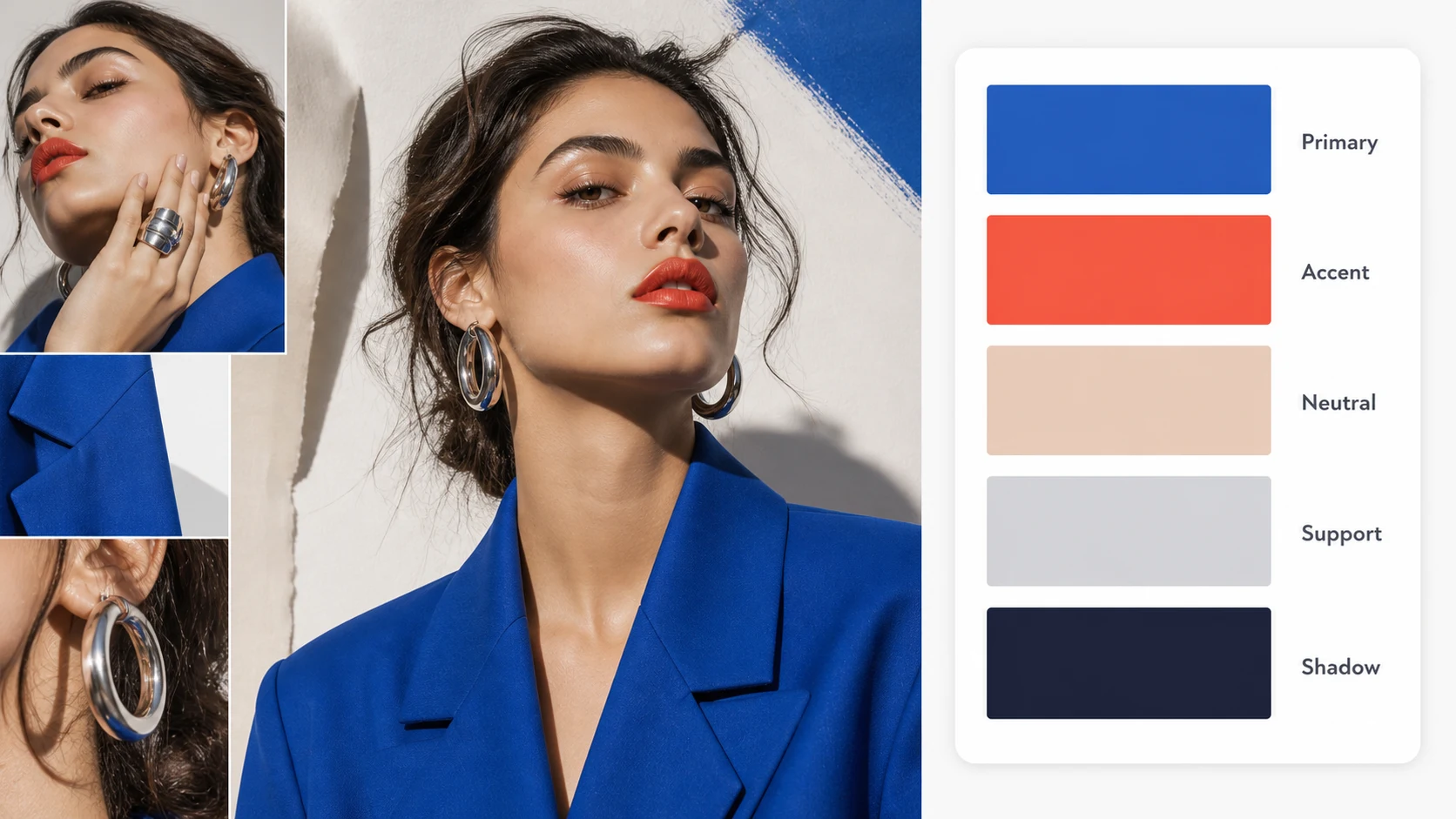
Upload a photo and use color palette by image to turn it into a clean designer report card. The generated image keeps your reference as the hero visual and adds a right-side palette with five large swatches labeled by role.

Create a color palette by image report that feels designed

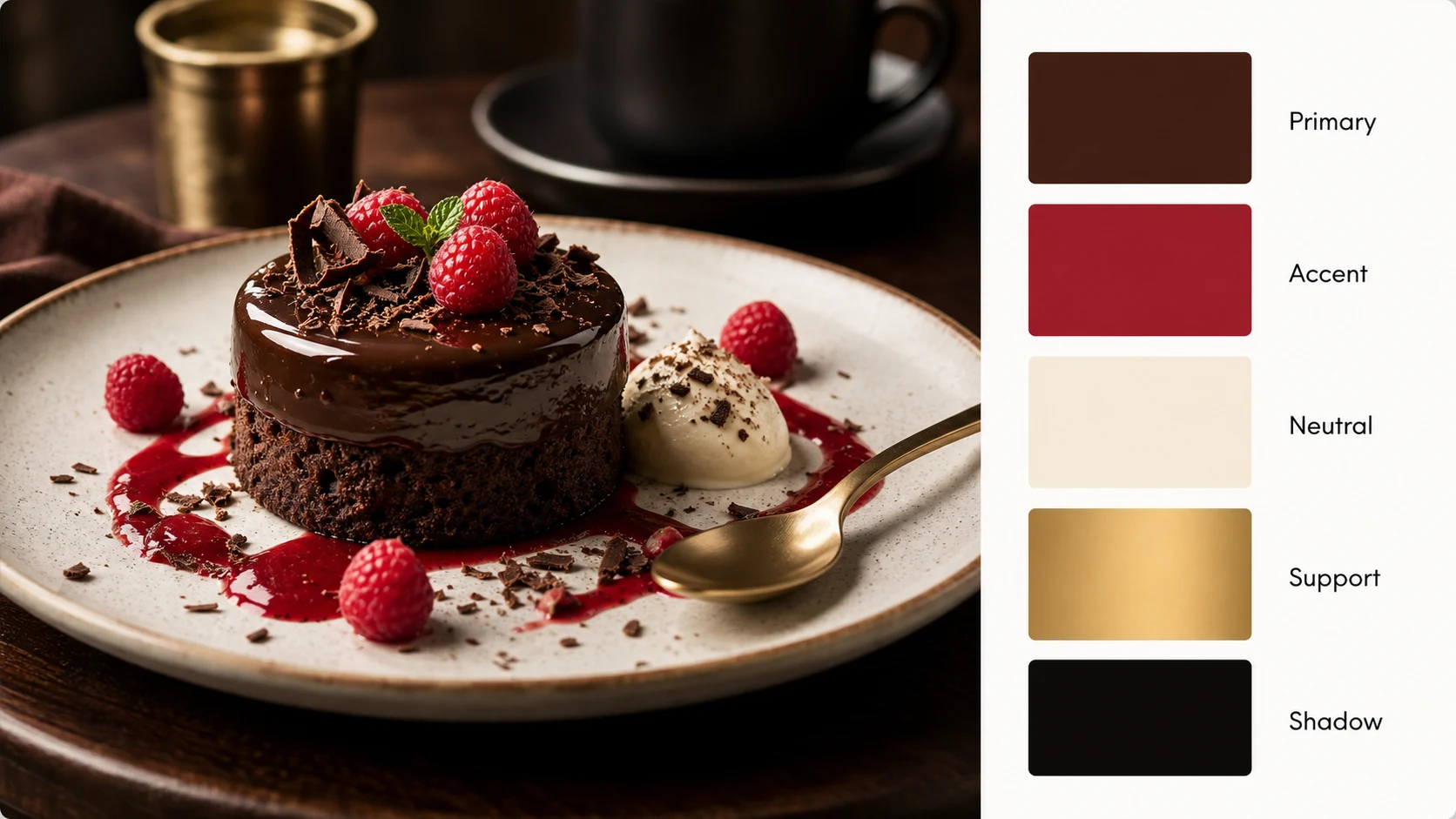
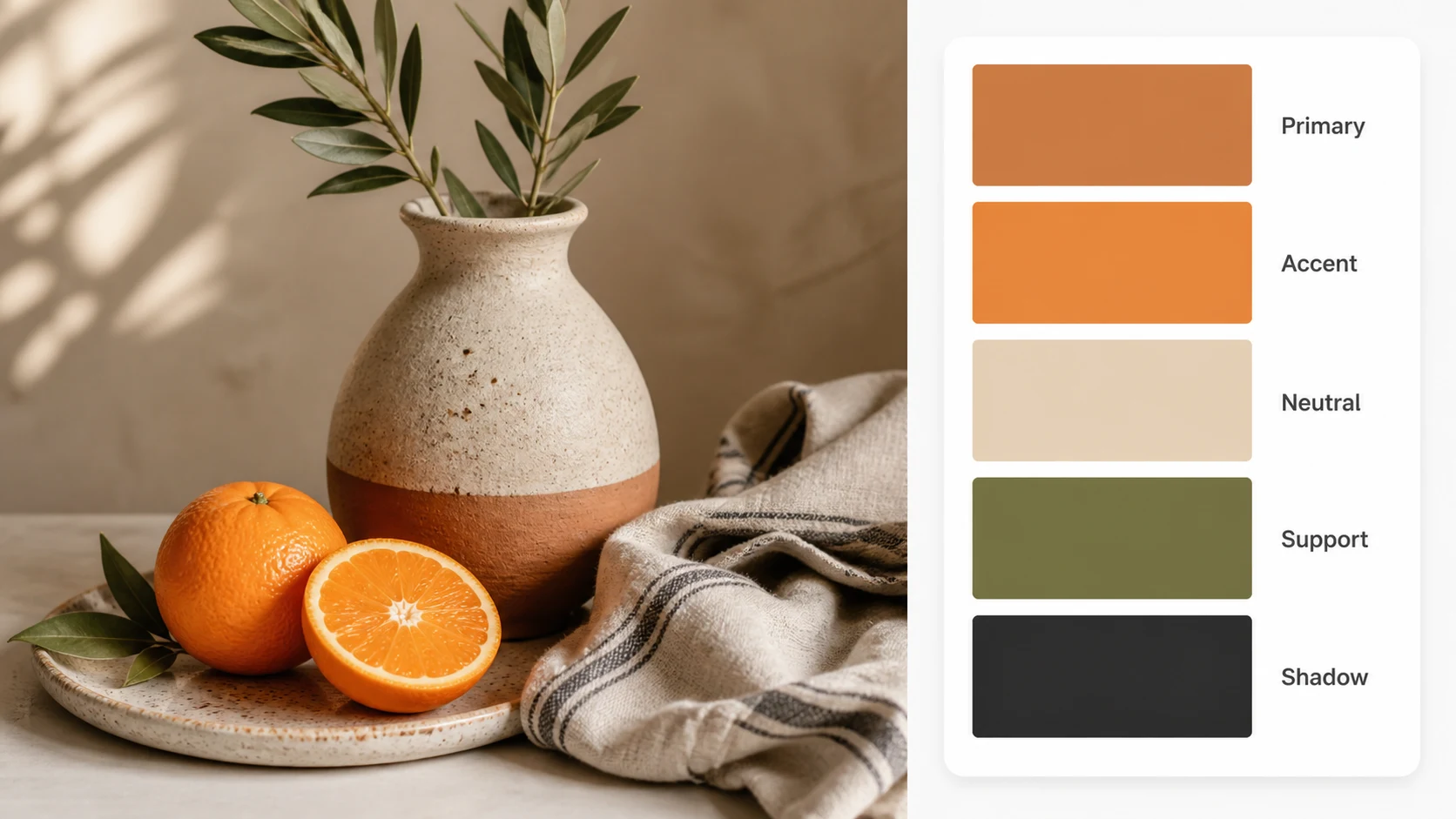
Color palette by image is built for creators who want a visual palette asset, not a spreadsheet of fragile values. Upload a reference image, then let color palette by image produce a downloadable report with the source image and five large swatches that communicate the mood at a glance.

Color palette by image fashion example with a right-side palette card and five role-labeled swatches

Image Upload

Turn any reference image into a palette report

Color palette by image starts from an uploaded image, so the output stays connected to the actual visual material you care about. Use a product photo, a fashion editorial, an interior shot, a brand moodboard, a UI screenshot, a food image, or a social campaign reference. The color palette by image workflow keeps the original image visible and then adds a clear palette card beside it. That makes the result easier to share with a designer, client, social team, or content collaborator than a plain list of colors.

Upload imageReference firstReport image
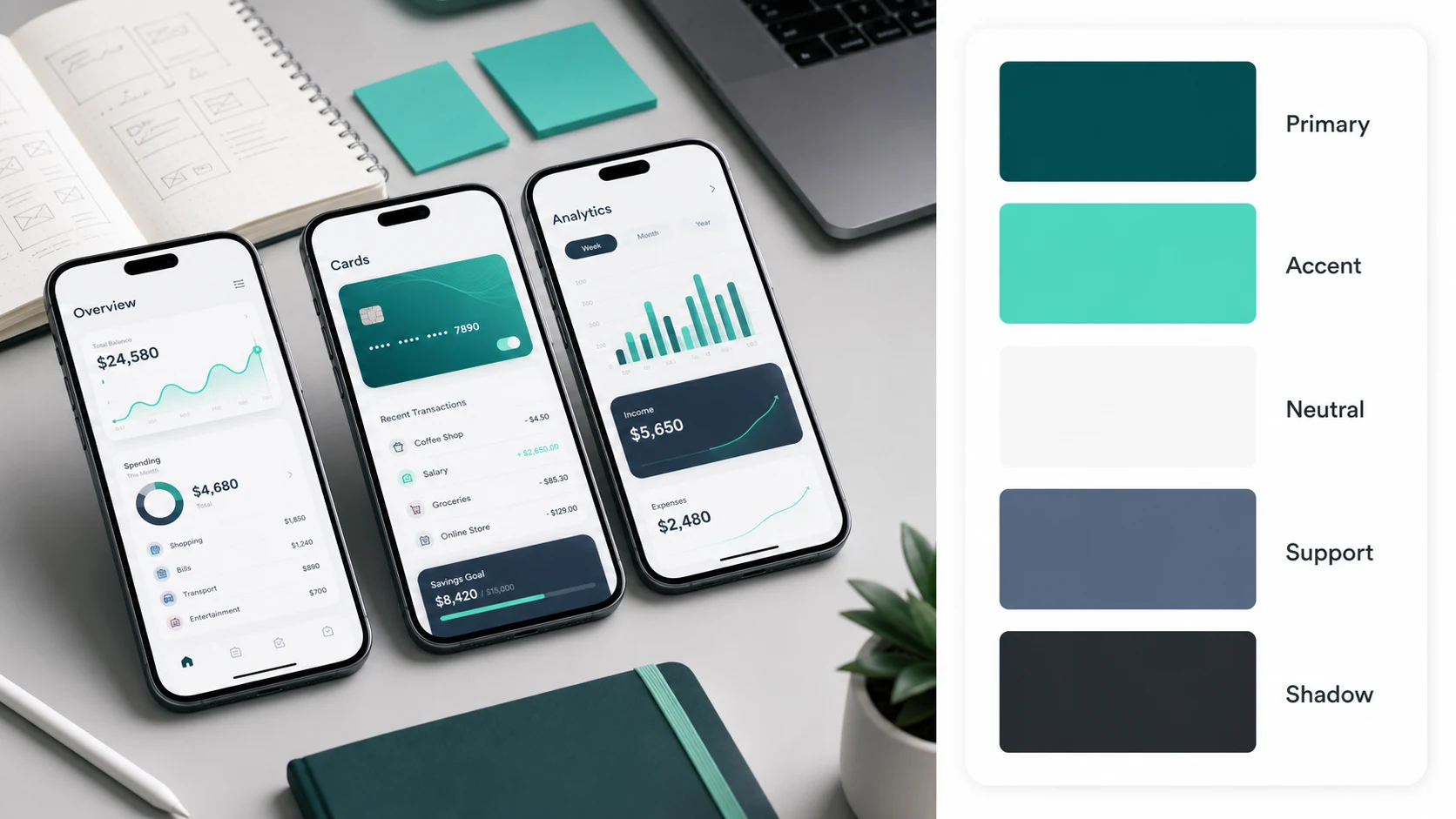
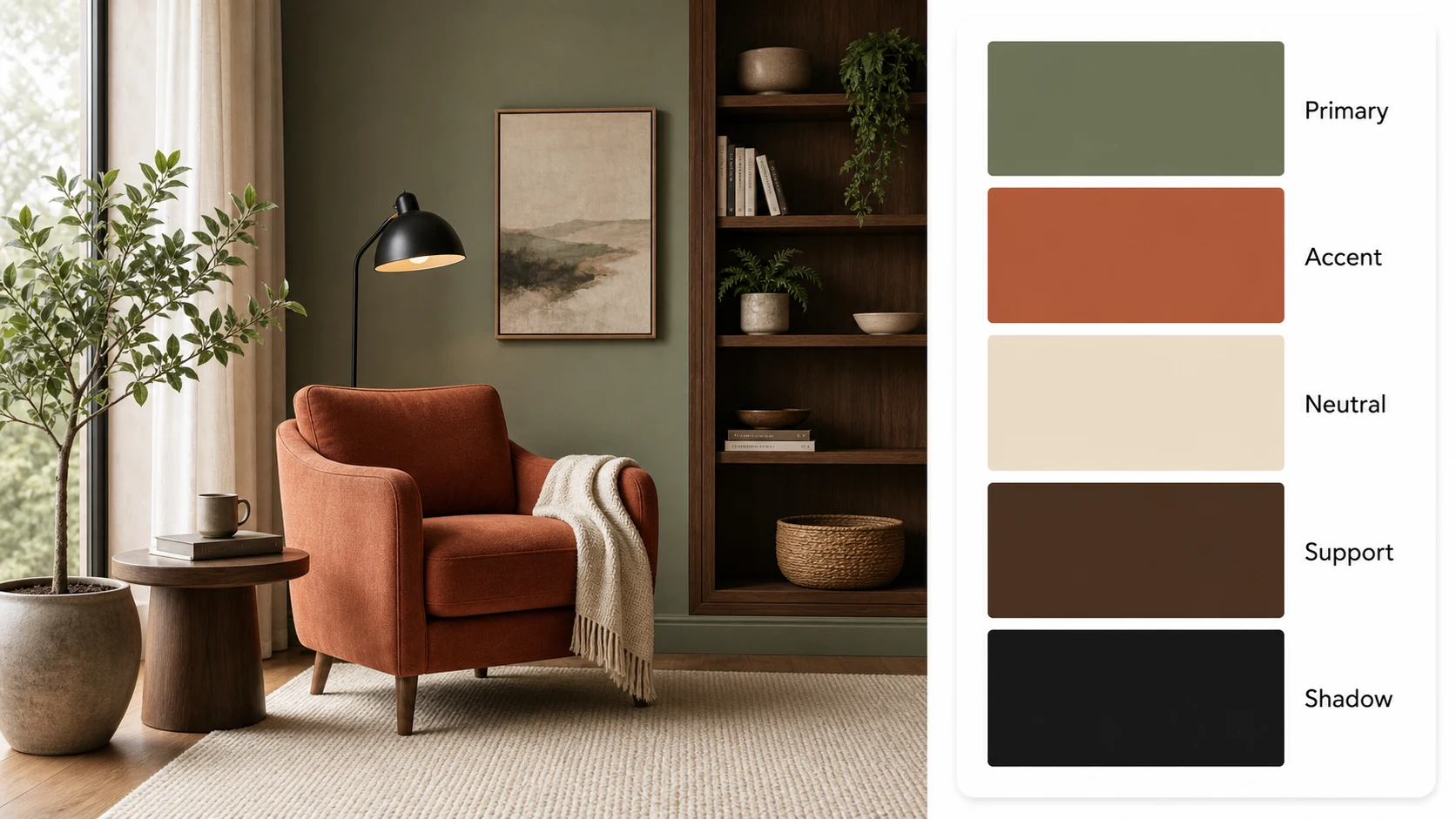
Color palette by image UI moodboard example with five role-labeled swatches and no technical color values

Role Labels

Use color roles instead of inaccurate technical values

A common color palette by image request is to extract exact values from a photo. For this AI image workflow, role labels are more honest and more useful. Color palette by image labels the swatches as Primary, Accent, Neutral, Support, and Shadow, so the image explains how the palette can be used without pretending that generated text is a precise measurement tool. If you need exact production values later, you can sample the final swatches in a dedicated color tool.

No HEX textRole labelsDesigner-friendly
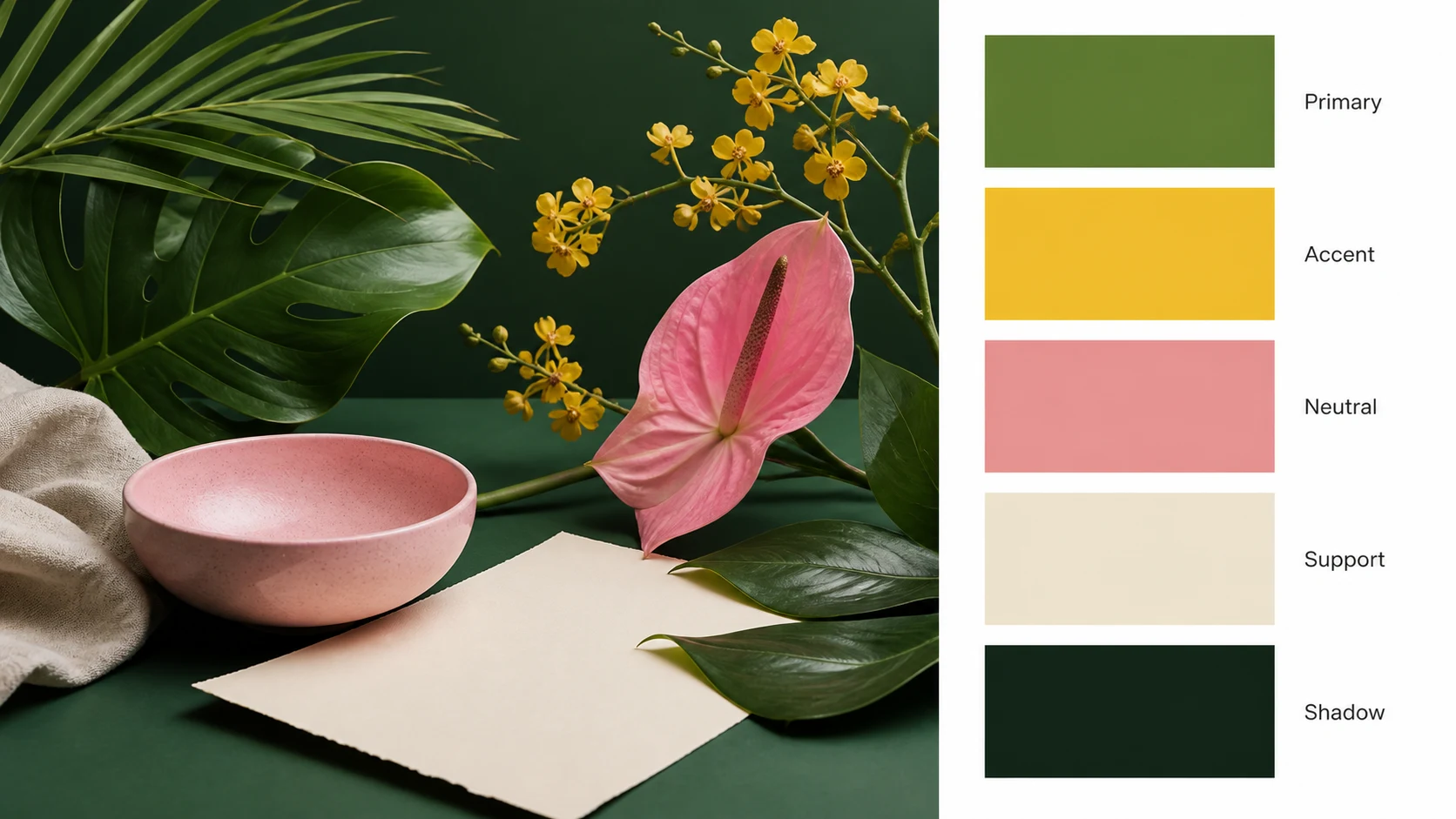
Color palette by image botanical moodboard example with a clean right-side five-swatch palette card

Visual Share Asset

Download a polished palette image for briefs and posts

Color palette by image is useful when you need a visual artifact for a creative brief, a brand exploration, a content plan, or a moodboard. The output is a single image that pairs the reference with the palette, so the context travels with the colors. A color palette by image report can sit inside a slide deck, a client note, a design system discussion, a social post, or a visual direction document without requiring separate screenshots and notes.

Downloadable imageMoodboard-readyCreative briefs
Workflow

How to use color palette by image

The best color palette by image workflow is simple: upload one strong reference, ask for a clean report card, and keep the palette labels broad enough to be useful across design work.

1

Upload a clear image

Choose a photo, product shot, interior image, artwork, or UI screenshot with a readable color mood. Color palette by image works best when the image has a clear subject, balanced lighting, and colors that are not buried under heavy filters or compression.

2

Keep the source visible

Ask color palette by image to preserve the uploaded image as the main visual reference. This keeps the palette connected to the original mood and makes the final report easier to understand than swatches alone.

3

Use five role labels

Ask for exactly five swatches labeled Primary, Accent, Neutral, Support, and Shadow. Those labels help color palette by image communicate hierarchy and usage while avoiding unreliable technical values in generated image text.

4

Download and reuse the report

Save the color palette by image output for creative briefs, social posts, product direction, brand exploration, slide decks, and moodboards. If you later need exact production values, sample the swatches with a dedicated color picker.

Color palette by image prompt ideas

Use these color palette by image prompts when you want a clean report image with the source visual and a right-side palette card. Each prompt avoids technical values and focuses on a polished, shareable result.

Color Palette by Image FAQ

Common questions about using color palette by image for uploaded photos, moodboards, brand references, UI screenshots, and downloadable palette report images.


Create your color palette by image report

Upload a reference image and use color palette by image to generate a polished report with the source visual and five role-labeled swatches. Color palette by image is built for moodboards, creative briefs, brand direction, UI inspiration, and shareable design notes without unreliable technical color text.

Try Color Palette by Image