Create Video from Photos AI

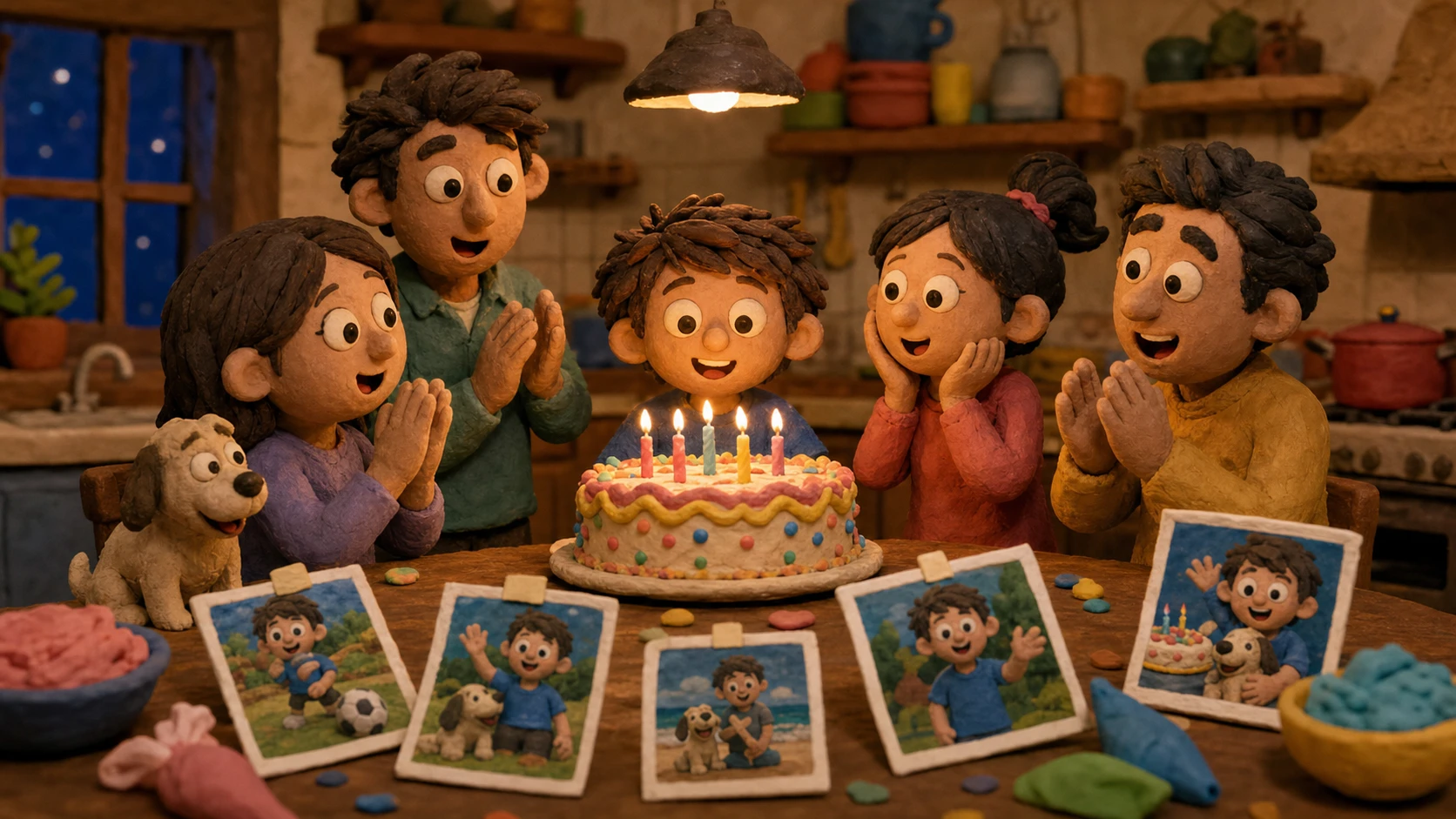
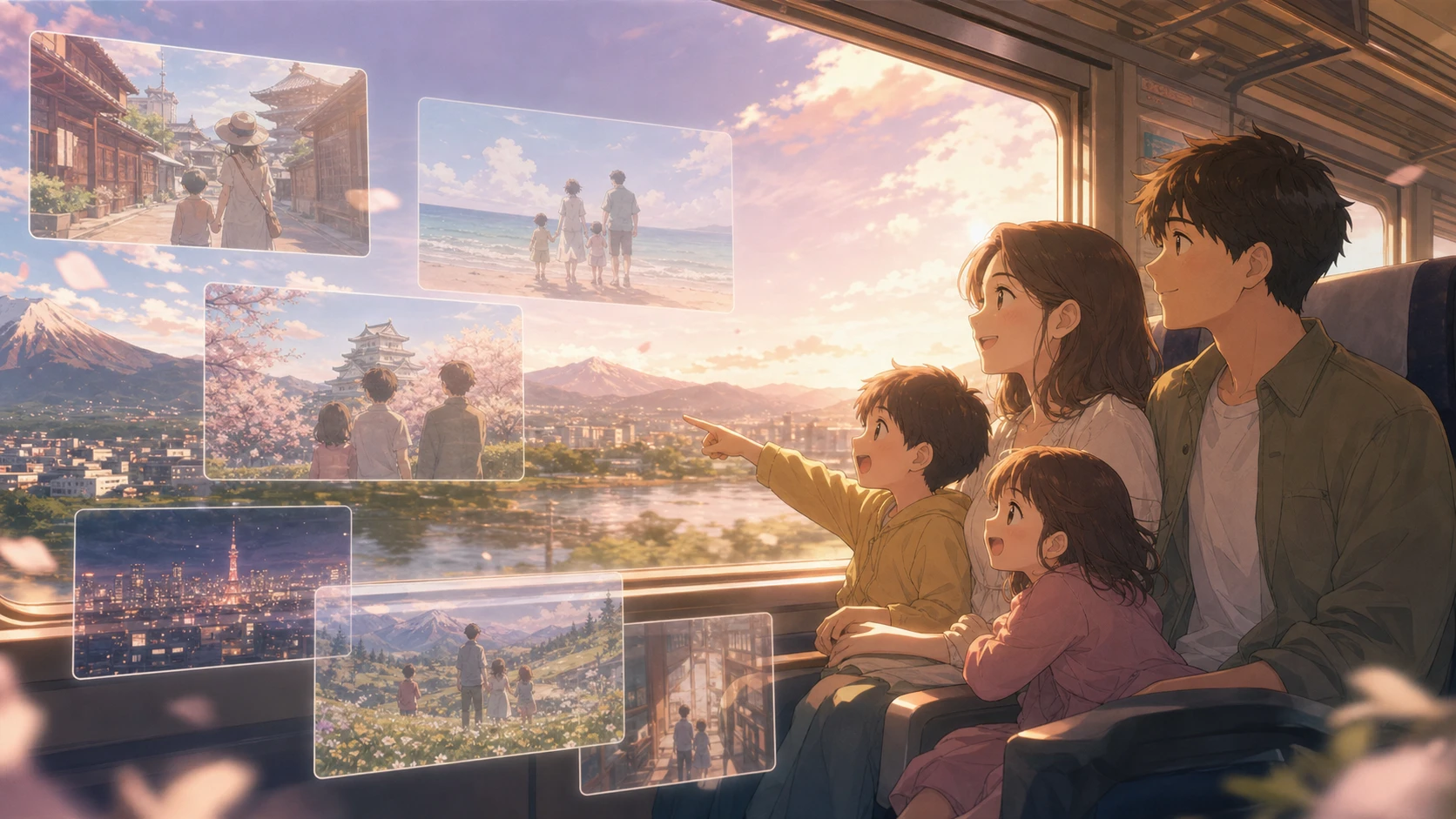
Create video from photos when a still album needs memory, emotion, and a shareable finish. Upload family portraits, birthday snapshots, travel frames, product photos, or timelapse images, then describe the feeling behind the scene. Emochi AI works like a photo video maker with music online free planning flow: it treats each source photo as part of a story arc, adds expressive camera motion, transitions, captions, animation, effects, and music-ready pacing, then helps the result feel like a remembered moment instead of a template slideshow.

Create video from photos with memory, motion, and story pacing

Create video from photos when a still album needs a feeling-led edit. Emochi AI keeps the source photo story recognizable while adding camera motion, transitions, captions, effects, and music-ready timing for expressive social videos.

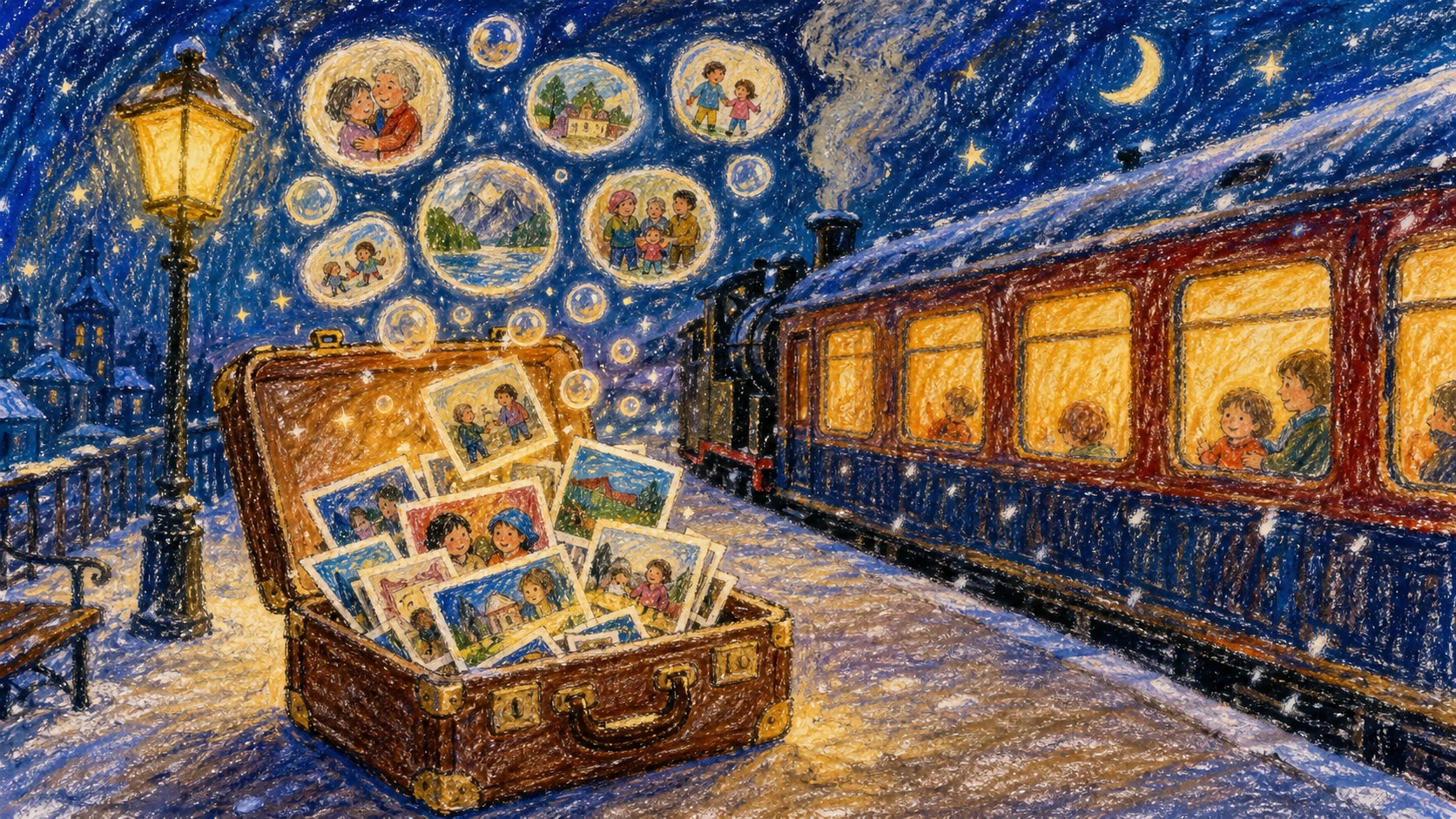
Create video from photos crayon memory train reference

Photo Motion

Photo-first memory preservation

Create video from photos using AI while keeping faces, products, outfits, locations, and composition recognizable. If you need create video from photos ai free drafts before a final edit, Emochi prompts emphasize the emotion inside the photo, so motion supports the memory instead of replacing it with an unrelated scene.

Preserve photosCamera motionMemory clips
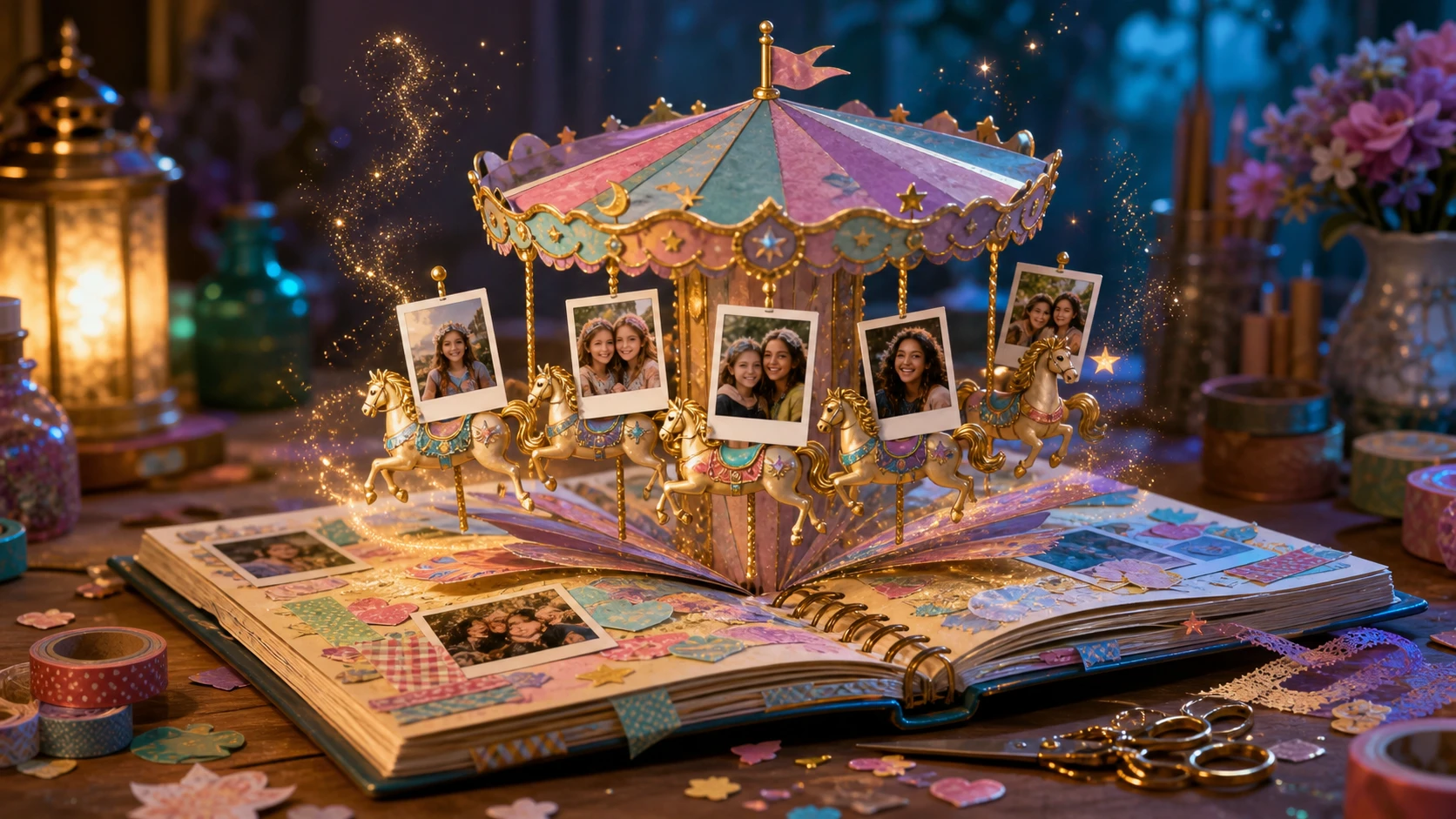
Create video from photos magical scrapbook carousel

Story Effects

Animation, effects, and transitions for photo stories

Create video from photos with animation by asking for paper layers, photo cards, stickers, carousel motion, and gentle camera travel. Create video from photos with effects such as glowing edges, soft sparkle, or clay warmth, then create video from photos with transitions that feel like memory beats instead of generic scene cuts.

TransitionsEffectsCaption space
Create video clip from photos pastel product story

Social Output

Instagram, YouTube, Facebook, and MP4 clips

Create video from photos for Instagram, create a YouTube video from photos, or create Facebook cover video from photos when you need a short polished story. Use this create video from photos with online tool workflow to plan wide, vertical, or square framing, then create mp4 video from photos for quick posting.

ReelsYouTubeMP4 clips
Workflow

How to create video from photos with Emochi AI

Create video from photos online in a simple flow: upload images, describe the memory or mood, generate a clip, then refine the prompt for stronger motion. The page is written for creators who want to create video from photos free online before committing to a longer social edit.

1

Upload photos with a clear subject

Choose portraits, travel scenes, birthday images, product shots, timelapse frames, or a small album. To create video from timelapse photos or create a video from photos with sharper results, use readable faces, stable lighting, and a clear subject.

2

Describe motion, mood, and pacing

Tell Emochi AI how to create video from photos: slow zoom, floating prints, animated collage, snowfall, candle flicker, product turntable, captions, text-safe pauses, music beat, or smooth transitions between photo moments.

3

Generate a short video and refine

Use 16:9 for YouTube and landscape MP4 clips, then adapt future prompts for Instagram or Facebook cover formats. Create video from photos again with stronger emotion, action words, or transition notes if the first result needs more energy.

4

Save the best prompt direction

Keep the strongest create video from photos prompt as a reusable brief. Reuse the same mood, motion, transition, caption-safe wording, and music direction when you build a longer birthday montage, YouTube intro, product story, or create video slideshow from photos for family sharing.

Create video from photos prompt ideas

These prompt ideas show how to create online video from photos for birthdays, travel stories, product clips, social posts, slideshow drafts, and polished MP4 exports. Use them when you want to create video from photos with slideshow maker structure but need more emotional motion and visual storytelling.

Create Video from Photos FAQ

Answers about how to create video from photos with Emochi AI, including free use, online workflow, captions, music, style options, and commercial safety.


Create video from photos with memory-rich motion

Upload a photo, describe the memory, add captions, effects, transitions, and music direction, then create video from photos as a short cinematic MP4-ready clip.

Create Photo Video