
Omni Flash GeneratorCreate Emotional Flash Videos

Turn a feeling into motion. The omni flash generator, powered by Gemini Omni Flash technology, interprets mood, atmosphere, and visual emotion — then translates them into cinematic flash-style video. Describe a scene through its emotional palette: warm golden hour light, cool midnight neon, nostalgic film grain, dreamy soft focus. Each prompt becomes a short expressive film.

Omni flash video as emotional storytelling create omni flash video that tells a feeling

A flash video isn’t just fast cuts and bright lights — it’s a mood, a memory, a moment. The omni flash generator reads your emotional palette and translates it into visual poetry.

Describe a memory andwatch it come alive in flash

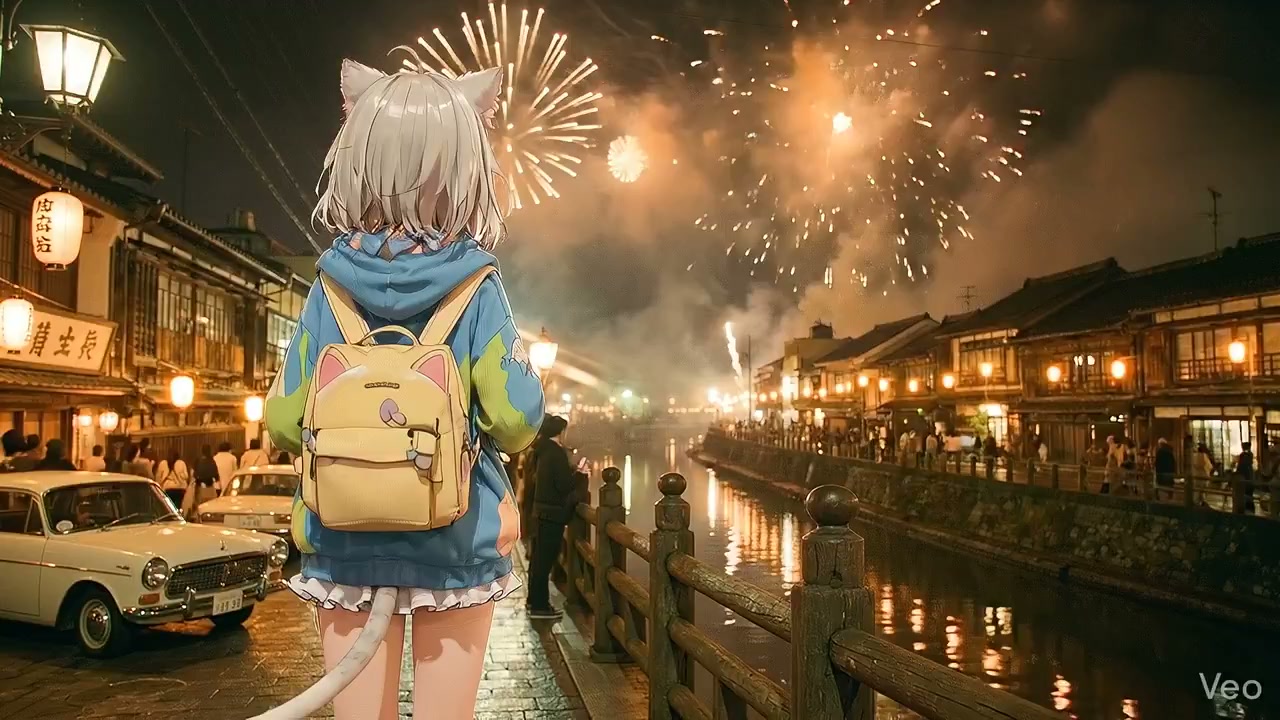
Prompt the omni flash generator with a sensory memory: warm sunset light, laughter echoing, petals falling in slow motion. The AI interprets these emotional cues into a short flash film with dreamy transitions and soft light flares.

Emotional omni flash generator memory-inspired video example

Translate abstract moods intocinematic flash sequences

Words like melancholic, euphoric, serene, or nostalgic become visual directions. Each emotion gets a different flash treatment — color temperature, transition rhythm, motion weight.

Omni flash generator mood-to-video emotional translation example

Layer visual poetry withatmospheric flash effects

Add light leaks, lens flares, film grain, and soft bokeh to create omni flash video that feels like art, not an ad. Each effect layer deepens the emotional resonance of the final clip.

Atmospheric omni flash video with layered visual effects example

Omni flash video as a creative medium

Emochiai treats the omni flash generator as a creative instrument — not just a production tool. Create omni flash video through emotional prompts powered by Gemini Omni Flash: describe how you want the viewer to feel, and the generator translates that feeling into visual motion, light, and rhythm.

Emotion-driven prompt language

Skip technical parameters. Use emotional language: nostalgic glow, anxious energy, peaceful drift, triumphant burst. The omni flash generator reads the feeling behind the words.

Cinematic mood profiles

Choose from pre-built mood profiles — dreamlike, dramatic, whimsical, melancholic — that set the flash style, transition rhythm, and color palette before you type a single word.

Expressive flash sequences

Each generation tells a micro-story through flash cuts, light flares, and camera motion. The output is meant to evoke, not just display.

Shareable emotional prompts

Save prompts by the emotion they produce. Build a personal library of flash video recipes organized by mood — euphoric, serene, intense, tender.

Omni flash video styles by emotional palette

Each style corresponds to a different feeling. The create omni flash video prompts below are built around emotional intent, not technical parameters.

Create omni flash video nostalgic style example

Nostalgic Flash

Nostalgic flash video with warm memory tones

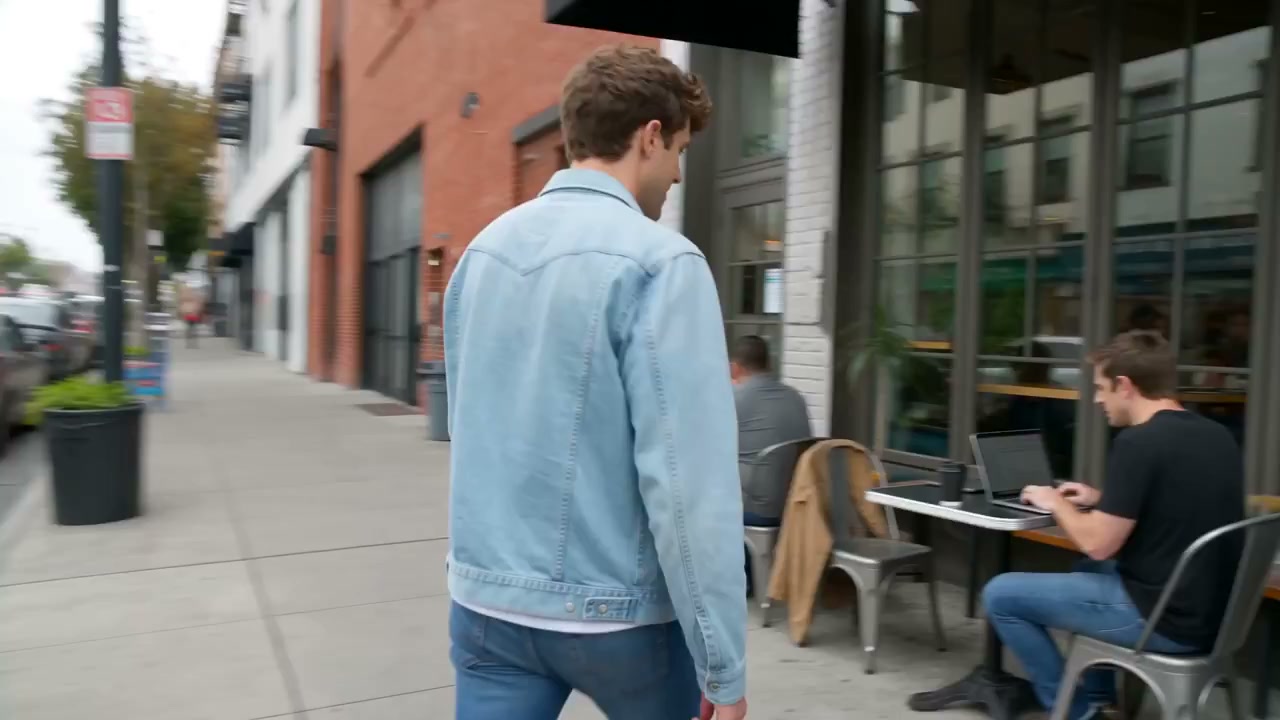
Create omni flash video with a nostalgic feel: warm amber tones, soft lens flares, gentle transitions, film grain texture, and slow dissolving cuts. Feels like a memory playing back.

NostalgicWarmMemory
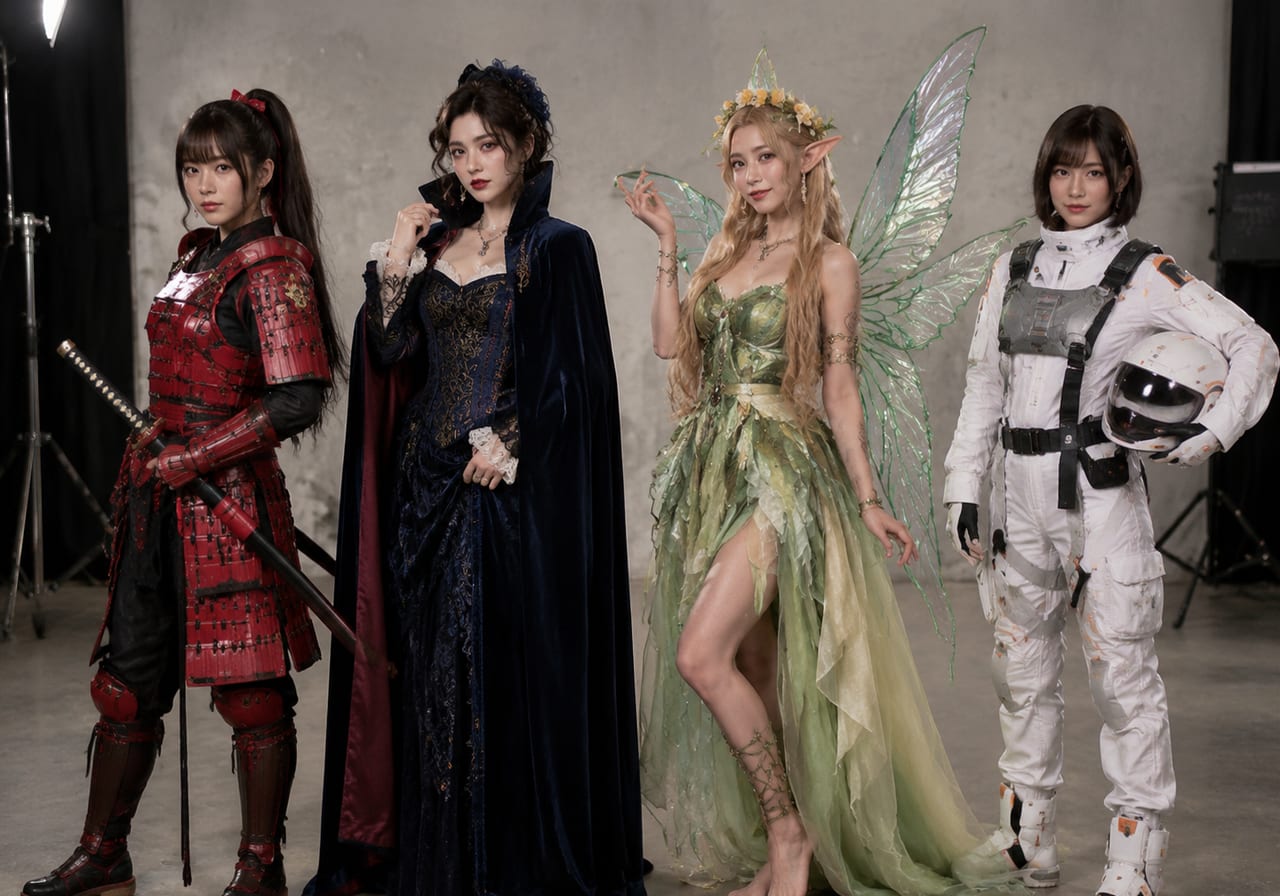
Create omni flash video dreamlike style example

Dreamlike Flash

Dreamlike flash sequence with ethereal motion

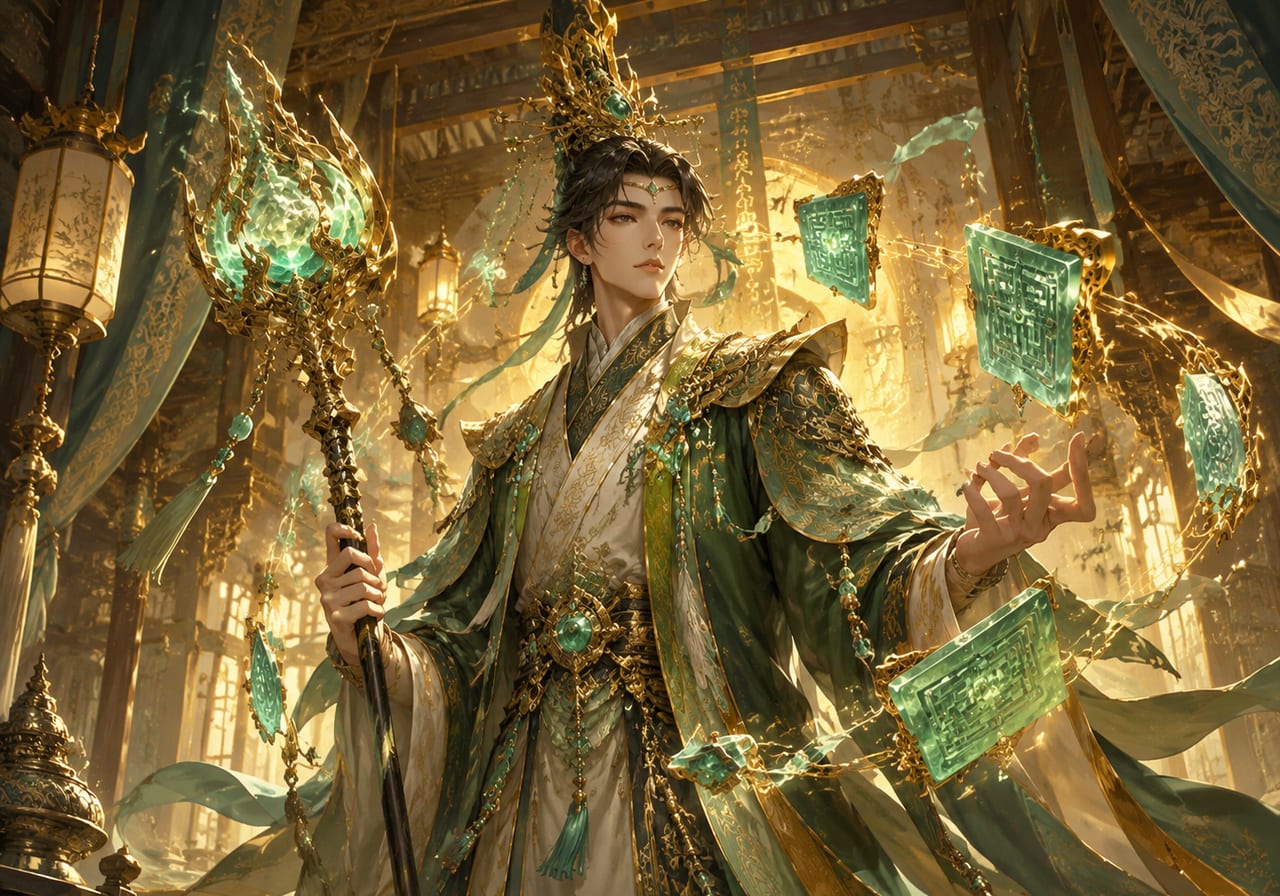
Prompt the omni flash generator for a dreamlike sequence: soft focus, pastel color palette, floating camera movement, light leaks drifting across the frame, and gentle fade transitions.

DreamlikeEtherealSoft
Create omni flash video dramatic style example

Dramatic Flash

Dramatic flash video with intense energy

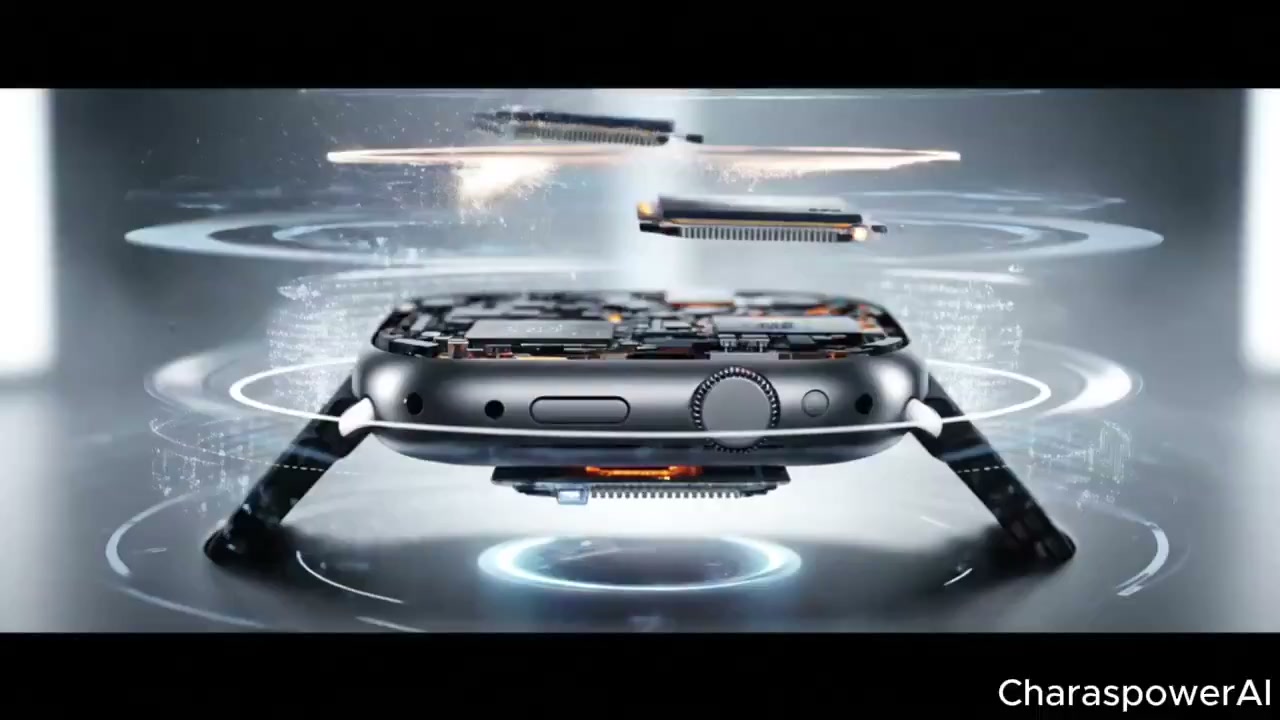
Create omni flash video with dramatic energy: hard contrast, rapid staccato cuts, bright white flashes, deep shadows, and aggressive camera movement. For moments that need impact and urgency.

DramaticIntenseImpact

How to create omni flash video from emotion with Omni Flash Create

Follow this emotional workflow to create omni flash video that resonates on a feeling level.

1

Choose Your Emotional Anchor

Pick one feeling: serenity, joy, melancholy, wonder, tension, release. Build your entire prompt around that emotional anchor. The omni flash generator responds to emotional language with matching visual treatment.

2

Describe the Sensory Atmosphere

Add sensory details: warm golden light, cool blue shadows, soft wind movement, gentle sound, hazy air. These details give the emotion a visual context for the generator to work with.

3

Watch and Refine the Feeling

Review the generated flash video. Does it match the intended emotion? Adjust the emotional language and regenerate. Each iteration brings the feeling closer to your vision.

Creative ways to create omni flash video with emotion

These use cases show how emotional prompts produce distinctive flash video results that standard technical prompts cannot reach.

Personal visual poetry

Create omni flash video as a personal art form. Describe a meaningful memory, a recurring dream, or an abstract feeling. The output becomes a short visual poem — unique to your emotional input.

Mood boards in motion

Replace static mood board images with short flash video clips. Each clip captures the emotional energy of a creative direction better than a static reference ever could.

Therapeutic expression

Art therapists and wellness creators use the omni flash generator to help clients externalize feelings. Describing an emotion and watching it rendered as motion can be a powerful reflective exercise.

Tips for creating omni flash video with emotional depth

The most powerful flash videos come from emotional honesty. These tips help you create omni flash video that resonates on a feeling level.

Omni Flash Generator FAQ

Common questions about emotional prompting in the omni flash generator and creating expressive flash videos.


Express your vision in omni flash motion

Create omni flash video that captures the feeling you want to share. With Omni Flash Create, one emotional prompt becomes one cinematic flash result — start creating from the heart.

Create Your Vision