Emotional Story Structure
Map emotional beats to panel pacing
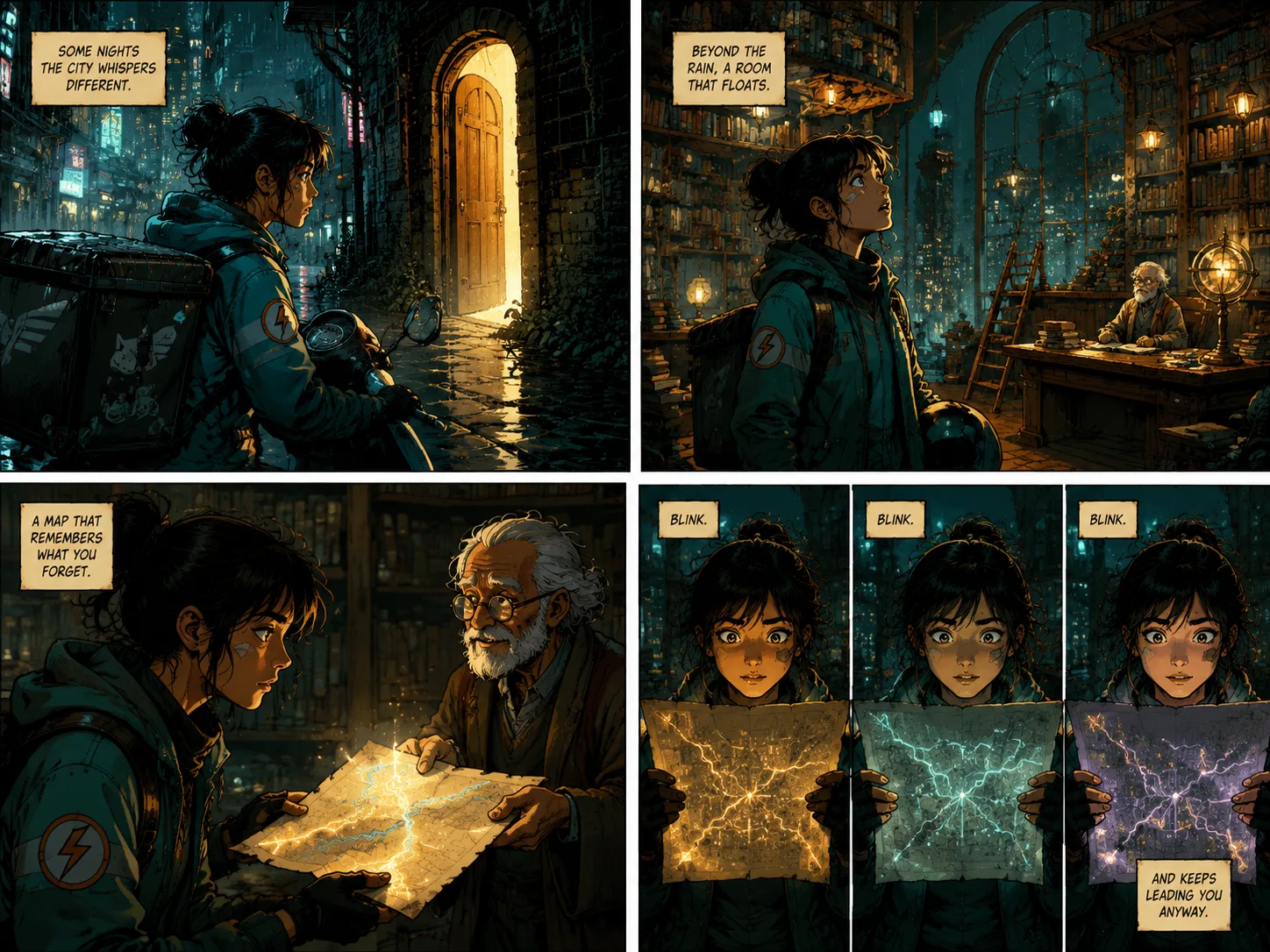
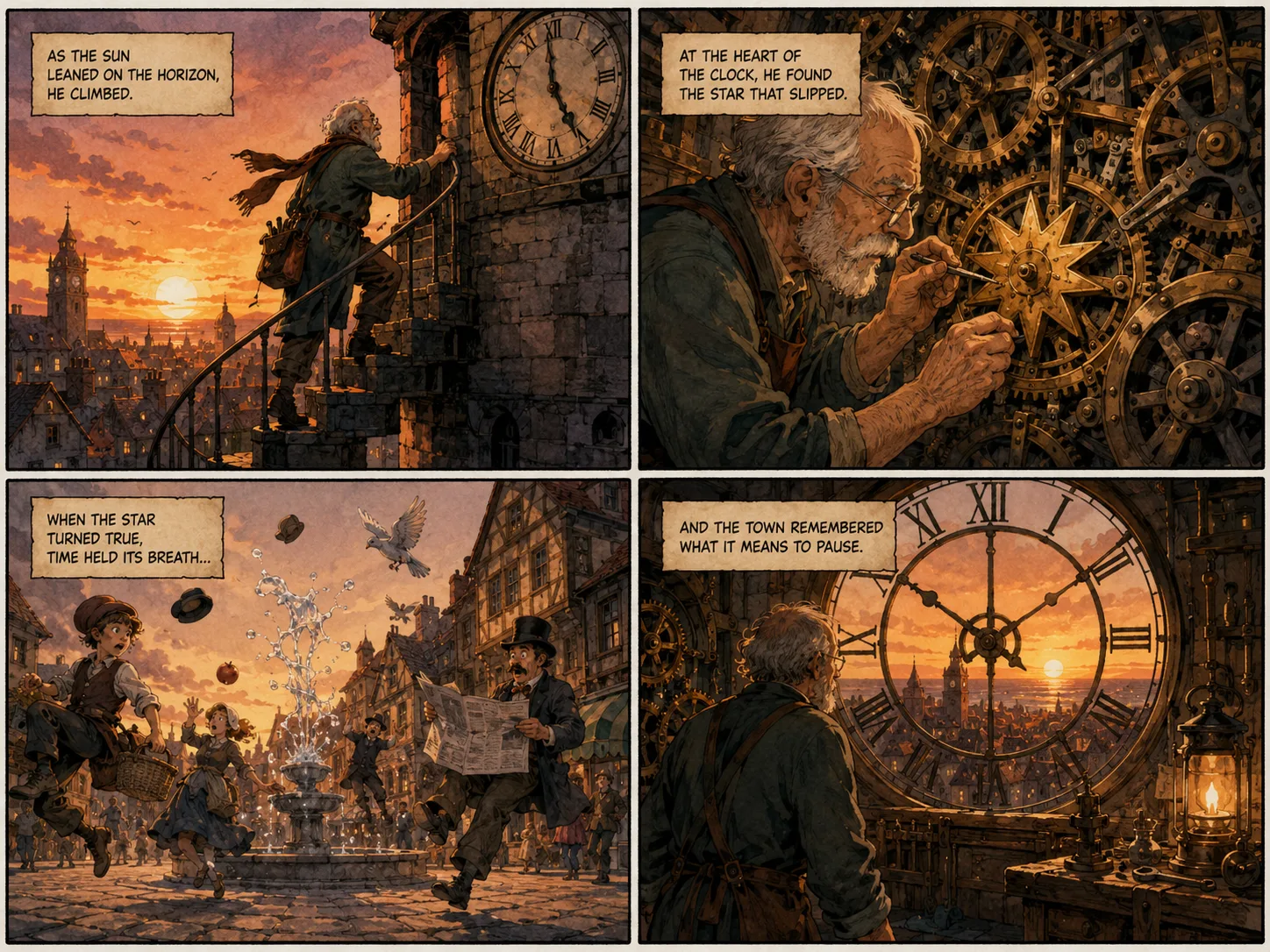
For novel to comic or book to comic, identify the emotional arc first. Each panel should have a distinct mood — tension, wonder, relief — that drives the visual language.
Turn stories and ideas into emotionally expressive comic panels with mood-driven color and composition powered by GPT Image 2.

Comic panels hit harder when the emotional tone leads the design. Use color psychology, expressive poses, and dramatic lighting to set the mood.

Emotional Story Structure
For novel to comic or book to comic, identify the emotional arc first. Each panel should have a distinct mood — tension, wonder, relief — that drives the visual language.

Mood-First Adaptation
For url to comic, webpage to comic, or youtube to comic, find the emotional core of the source first. Let the mood guide color palette and composition.

Emotional Style Control
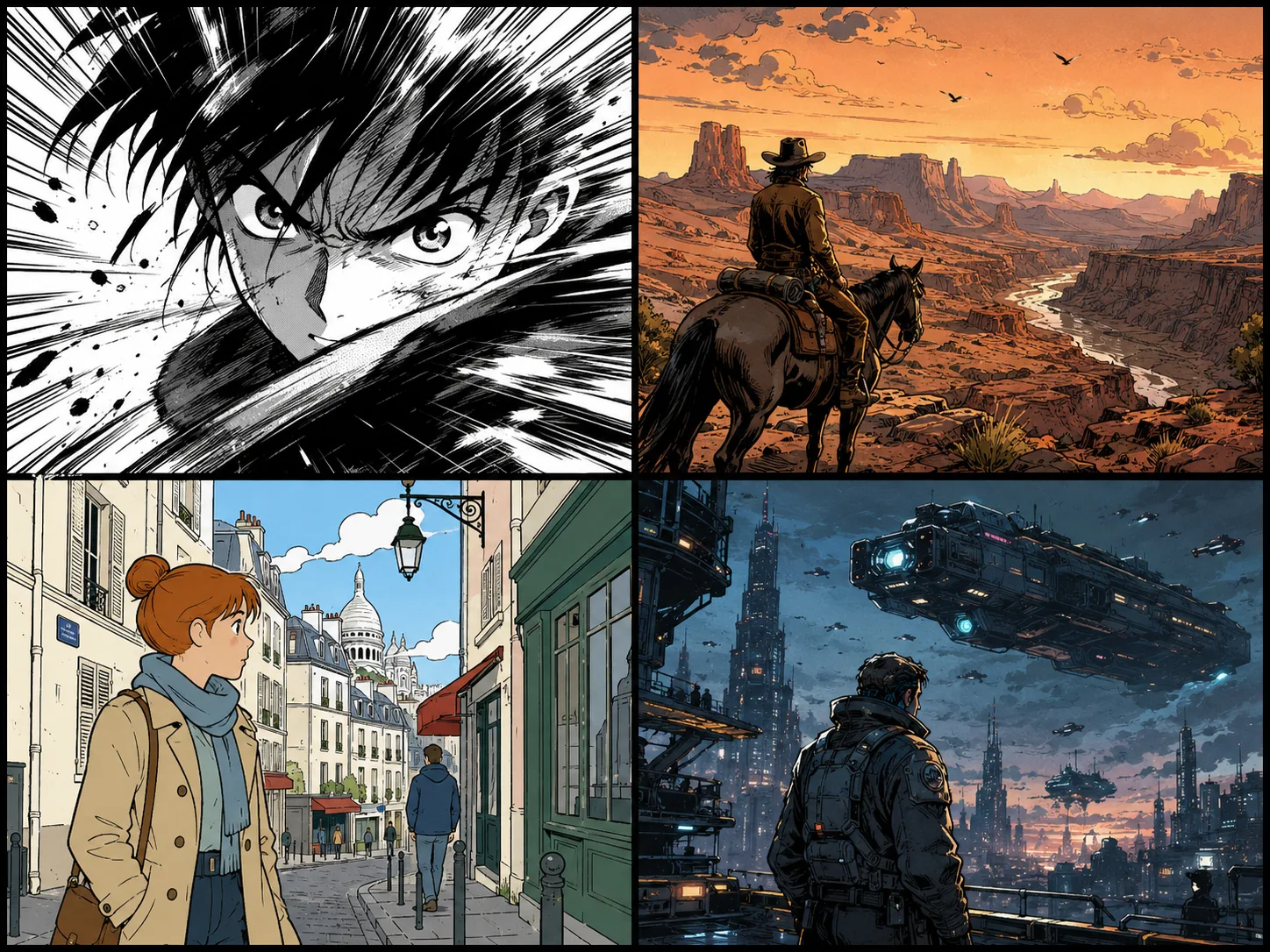
Melancholic manga, warm nostalgic illustration, crisp modern graphic novel — each style carries its own emotional weight. Choose the style that matches your story's mood.
Let the emotional tone lead the design. Give GPT Image 2 the mood first, then the story beats and panel structure.
Start with the feeling you want the comic to evoke — wonder, tension, melancholy, joy — before describing the scene.
Request a splash panel for one strong emotion, a four-panel strip for an emotional arc, or a full page for mood progression.
Pick colors, line weight, and composition that serve the emotion — warm tones for nostalgia, high contrast for tension.
If the mood doesn't come through, adjust the emotional cues and color direction rather than just the panel count.
Use these emotional directions to create comic panels that connect with your audience on a feeling level.

Ask for a dramatic black-and-white close-up where the emotion drives the line work — trembling speed lines, sweat drops of anxiety, shattered panel borders of shock.

Turn one paragraph into a four-panel emotional journey — uncertainty in the establishing shot, vulnerability in the close-up, tension in the action beat, and catharsis in the reveal.

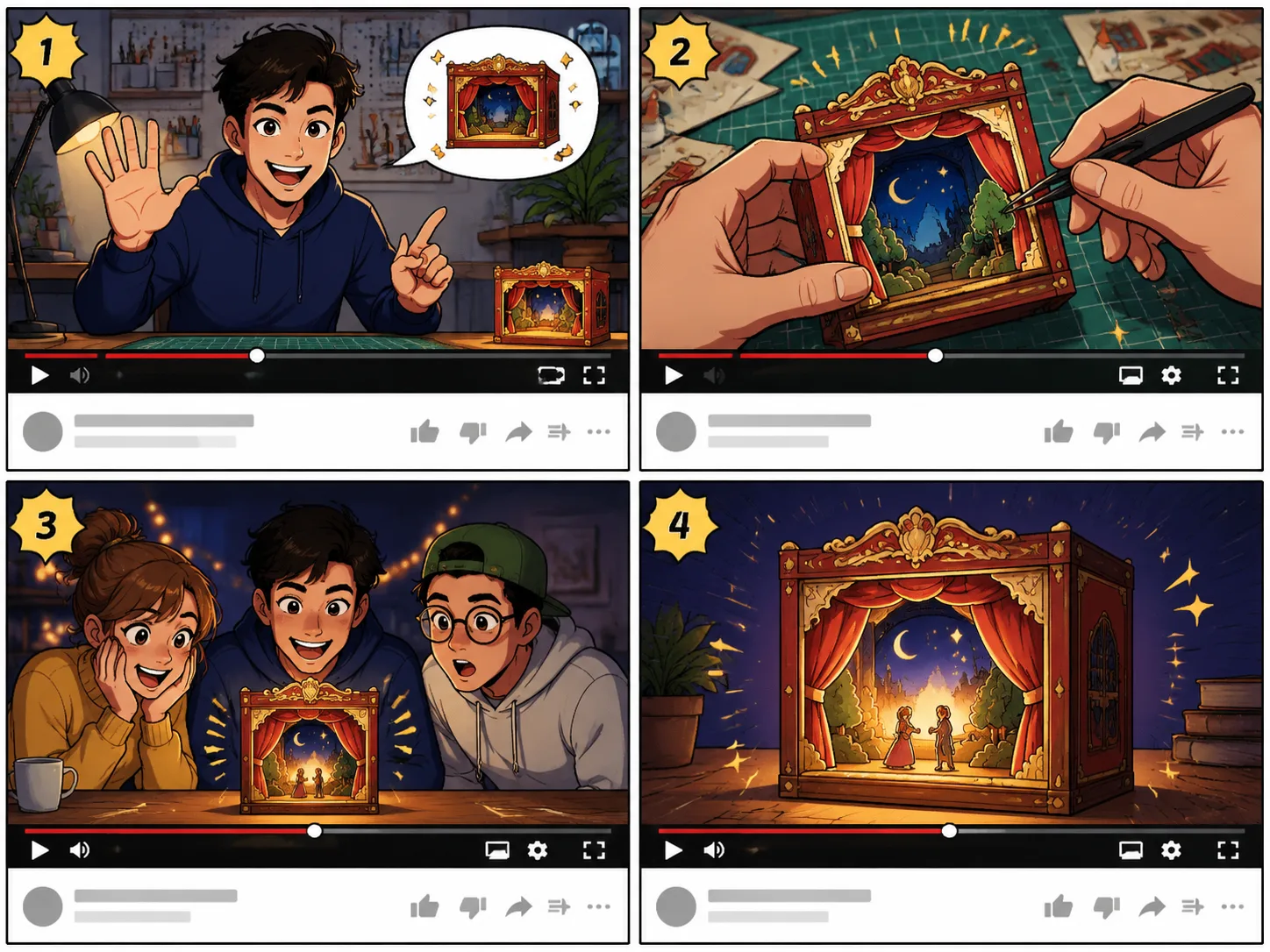
Find the emotional core of a video idea — inspiration, curiosity, surprise — and build the storyboard around that mood rather than just the information.
Common questions about creating emotionally expressive comic panels from prompts. A reliable prompt to comic workflow starts with one clear story beat, then uses prompt to comic directions for panel count, character emotion, camera angle, caption length, and visual style. Use prompt to comic when a webpage, scene note, or book idea needs to become a readable comic page instead of one illustration. The prompt to comic generator works best when the prompt to comic request asks for a finished comic page with simple captions and no long text blocks. Use prompt to comic as the repeated production direction when a story needs panels, captions, and scene flow. A prompt to comic request should name the number of panels, the main character, the emotional beat, the visual genre, and the amount of readable caption text. Repeat prompt to comic in revisions when the output becomes a poster instead of a comic page.
Turn a prompt, scene, or idea into an emotionally expressive comic panel with mood-driven GPT Image 2 generation.