Seedance 2.1 Video Generator

Use the Emochi AI Seedance 2.1 page to shape one coherent scene — upload a reference image or describe a moment, then generate a short creator-ready video with believable motion and clean lighting.

Seedance 2.1 video generator features for realistic short clips

The best Seedance 2.1 prompts are grounded in clear production language. Pick one specific frame and let the model animate that single moment with controlled motion.

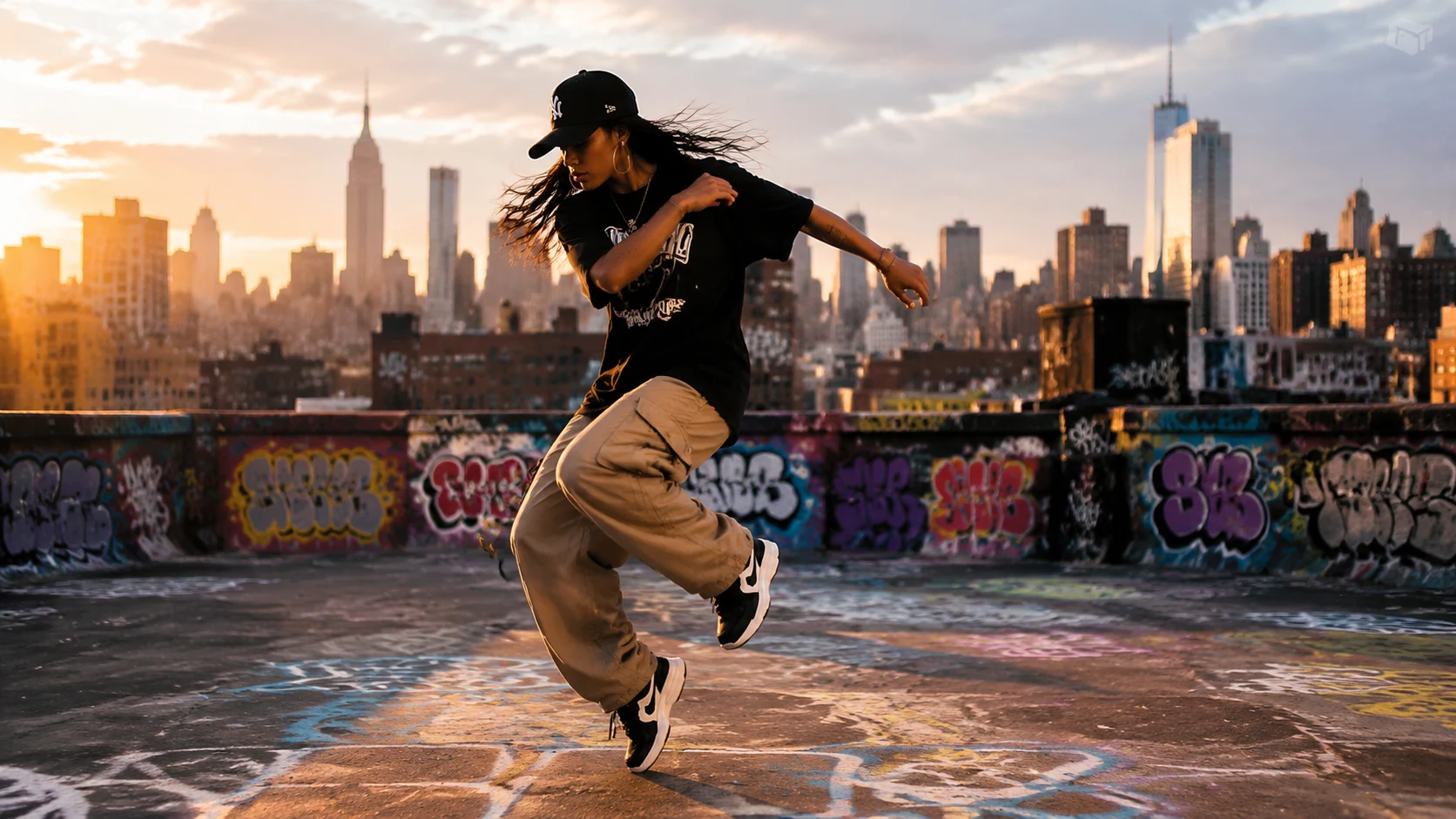
Street dance scene with dramatic side lighting for Seedance 2.1 image-to-video

Image to Video

Image to video control

Upload a reference image when the face, wardrobe, product, or room matters. The Seedance 2.1 video generator can use that image as the anchor, then add motion, breathing light, and camera movement while keeping the scene unified.

Reference controlImage anchor

Fashion model in warm editorial studio with textured backdrop for Seedance 2.1

Text to Video

Text to video concepts

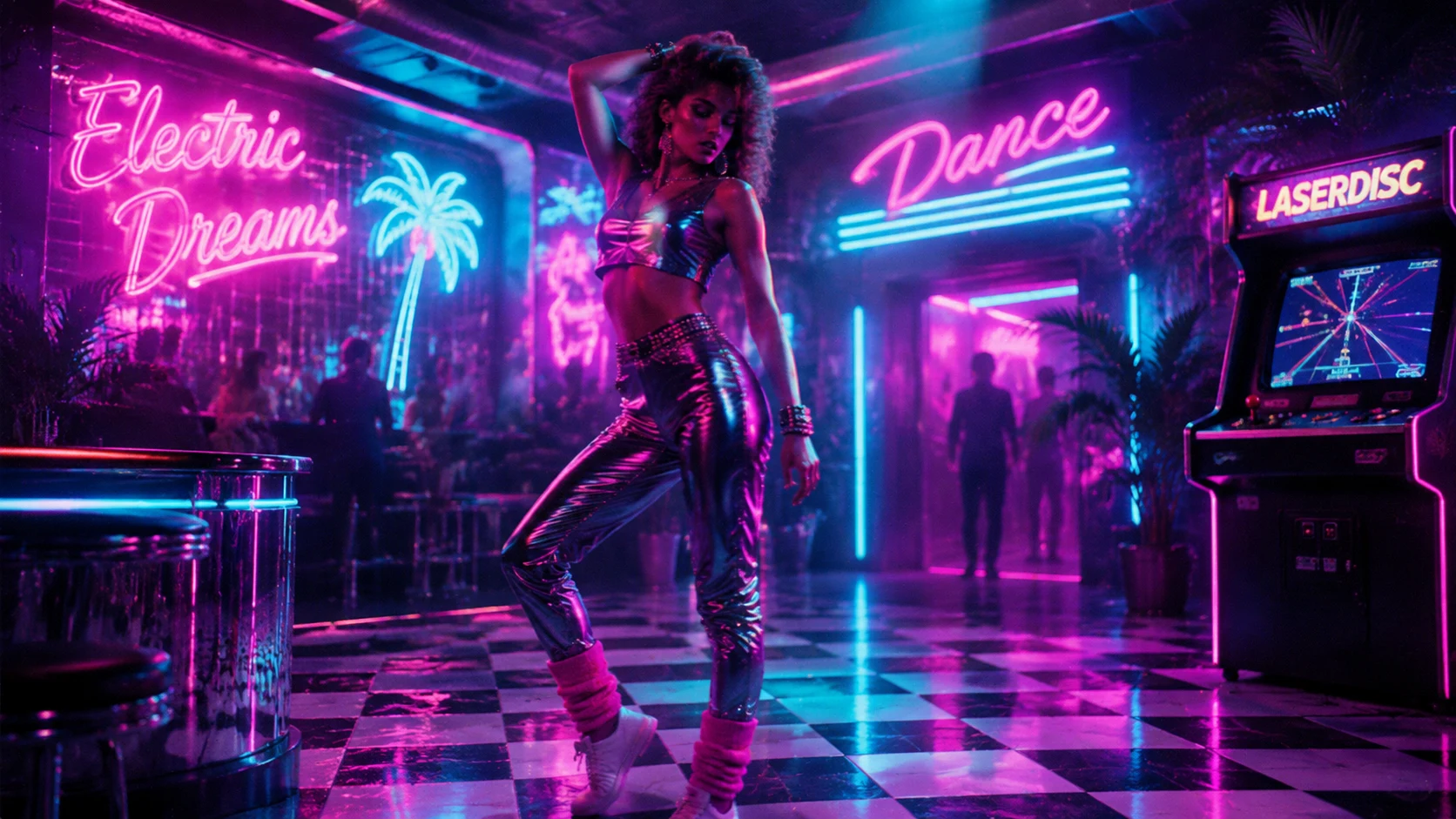
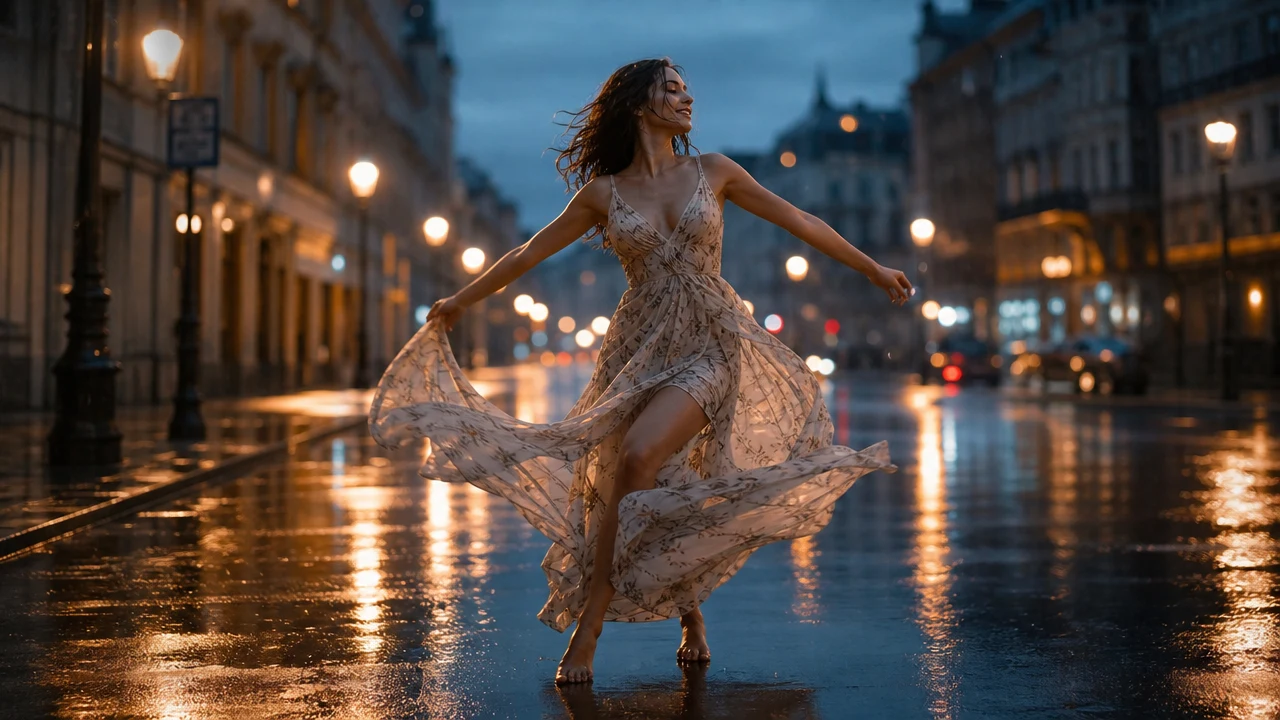
Start from text when you need a quick idea: warm editorial studio, rainy street fashion, clean product turntable, cozy bedroom creator clip, or outdoor travel moment. Seedance 2.1 intent works best when the prompt is specific.

Text promptsQuick concepts
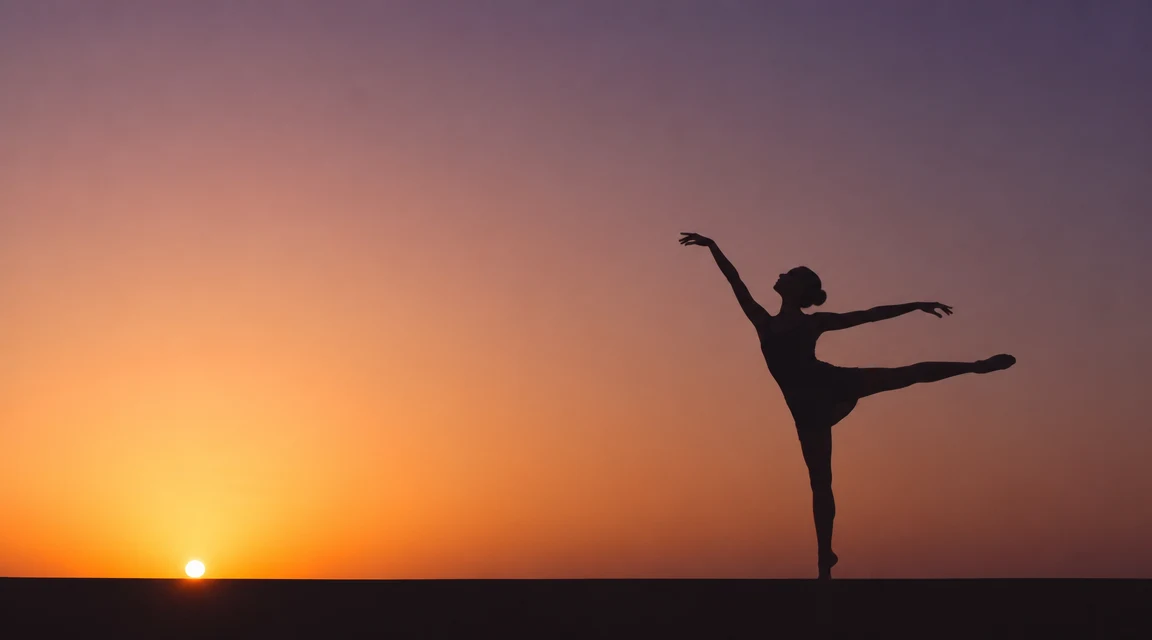
Minimalist silhouette dance pose against gradient backdrop for Seedance 2.1

Video to Video

Video to video inspiration

Reference motion can guide pacing and rhythm. For Seedance 2.1 planning, a source clip can suggest camera language while the prompt defines the new subject and atmosphere.

Motion referencePacing guide
Workflow

How to create a Seedance 2.1 style video

Use the Seedance 2.1 video generator like a small creative brief. The more coherent the scene, the less artificial the result feels.

1

Choose one clear visual style

Pick one direction before prompting: warm editorial fashion, quiet product studio, outdoor travel, realistic avatar intro, or soft lifestyle story. Sticking to one style per prompt keeps the result grounded.

2

Add the subject and setting

Name the person, product, room, street, or landscape. A Seedance 2.1 video generator prompt needs a stable subject and a stable place before it can create believable motion.

3

Describe camera motion

Use practical language such as slow tracking shot, smooth dolly motion, subtle parallax, smooth orbit, or rack focus. This keeps Seedance 2.1 output film-like without overloading the scene.

4

Generate and refine

Create the first clip, review the face, hands, lighting, and motion, then adjust the prompt. Strong Seedance 2.1 results often come from one precise refinement rather than a completely new idea.

Prompt tips for less artificial Seedance 2.1 results

The easiest way to reduce AI flavor is to write like a director, not like a keyword list. These Seedance 2.1 tips keep each clip grounded in one visual world.

Seedance 2.1 video generator FAQ

Common questions about using Seedance 2.1 search intent with the current Seedance 2.0 video workflow.


Start your Seedance 2.1 video project

Start with one realistic scene and one clear motion idea on Emochi AI — the Seedance 2.1 video generator creates polished clips that feel intentional and refined.

Create on Emochi AI