Selfie to Comic Generator

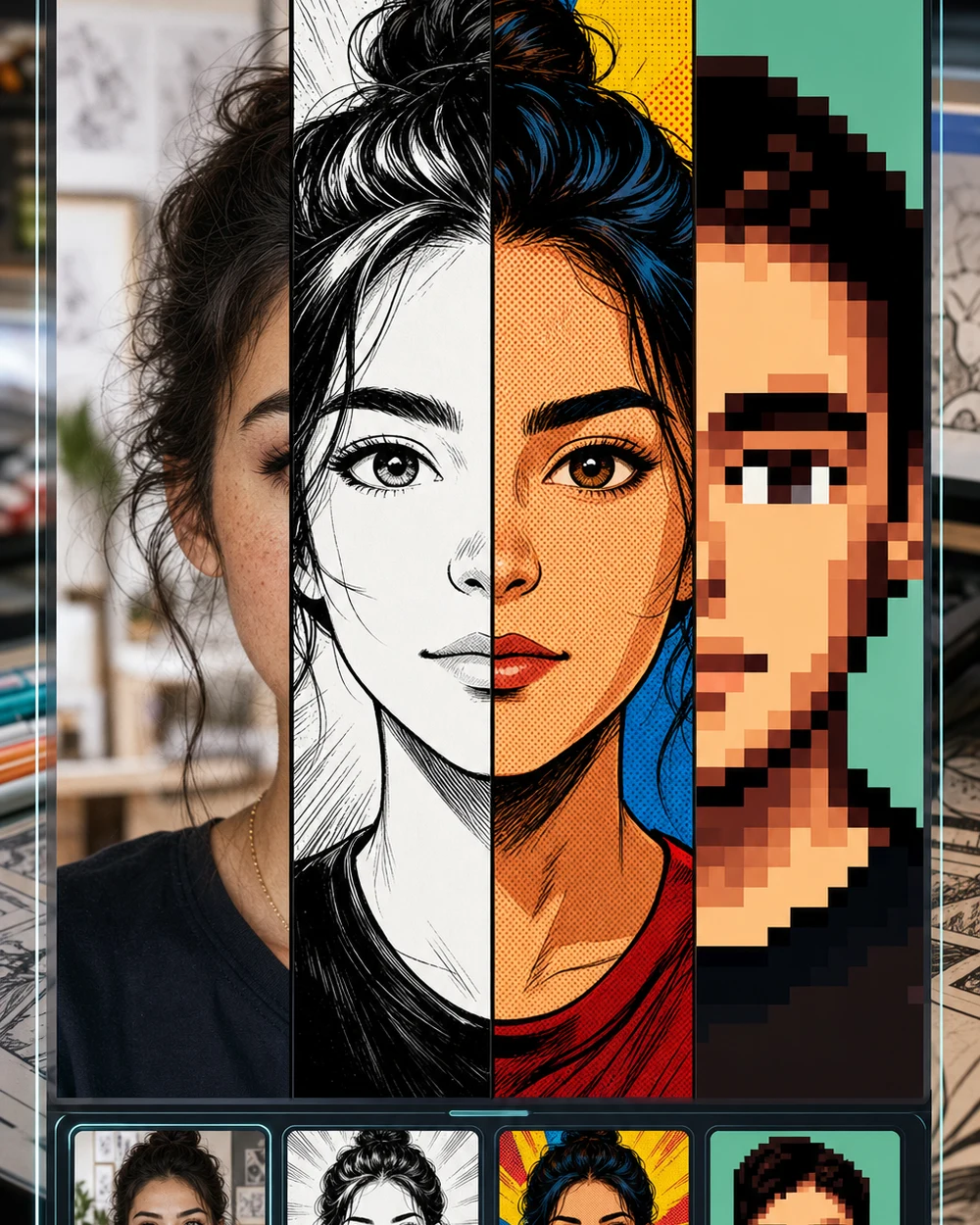
Upload a selfie and Emochiai captures your expression, mood, and personality — then redraws you as a comic character. Describe the emotional tone you want and the AI builds the panel around it.

Comic styles that capture feeling

Emochiai focuses on emotional expression — the comic style serves the mood you want to convey.

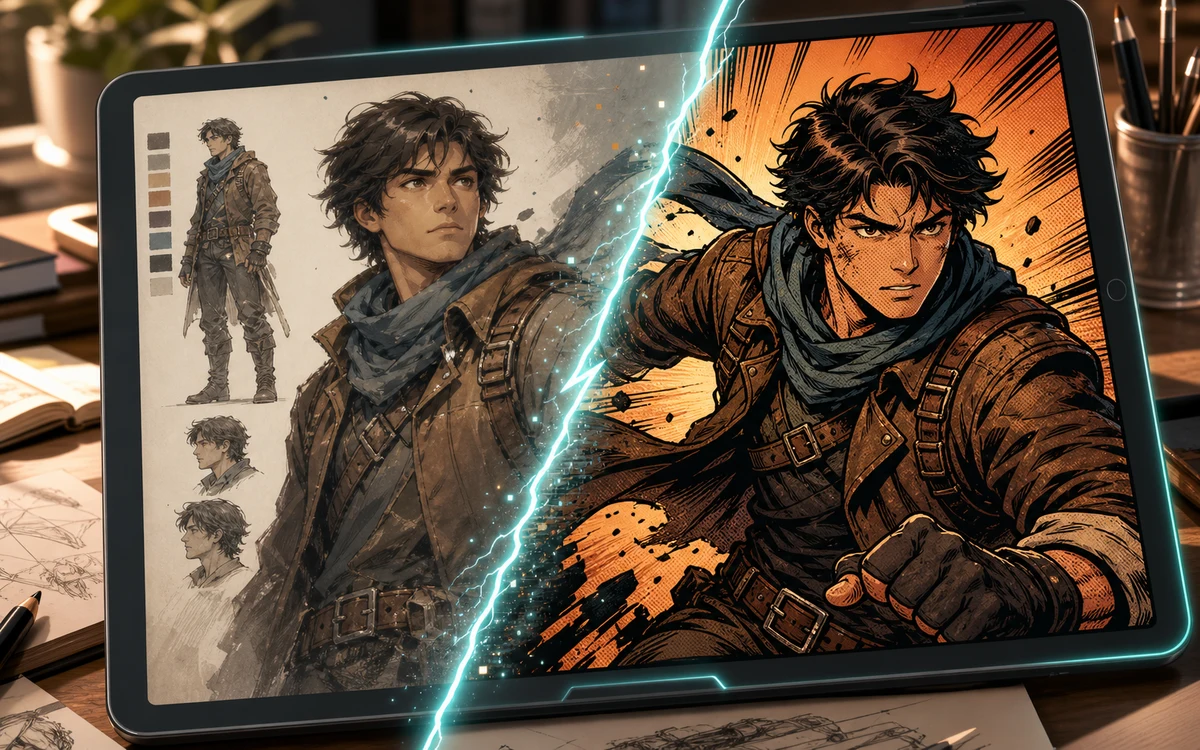
Character to comic conversion preview on a tablet with inked comic result

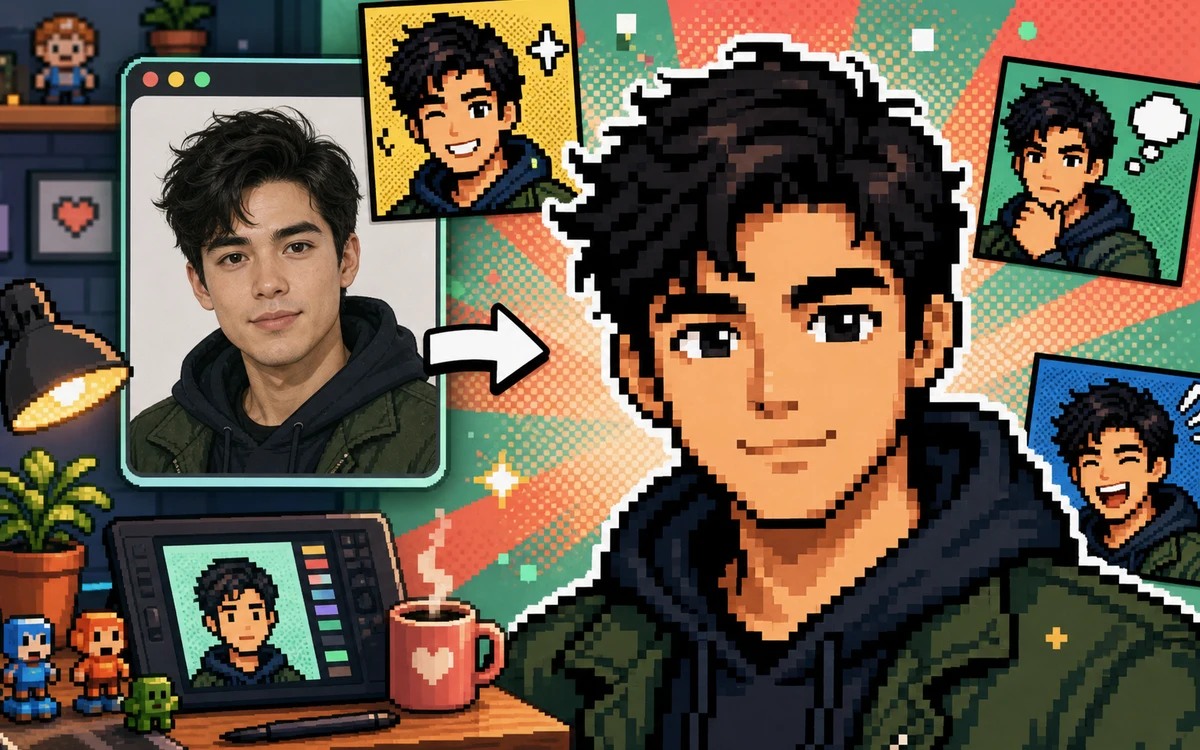
Soft Webtoon

Turn a selfie into a soft webtoon portrait

Prompt for delicate line art, pastel color washes, subtle blush gradients, sparkle accents, and the warm romantic mood of a digital webtoon close-up panel.

Webtoon portraitSoft comicRomantic style
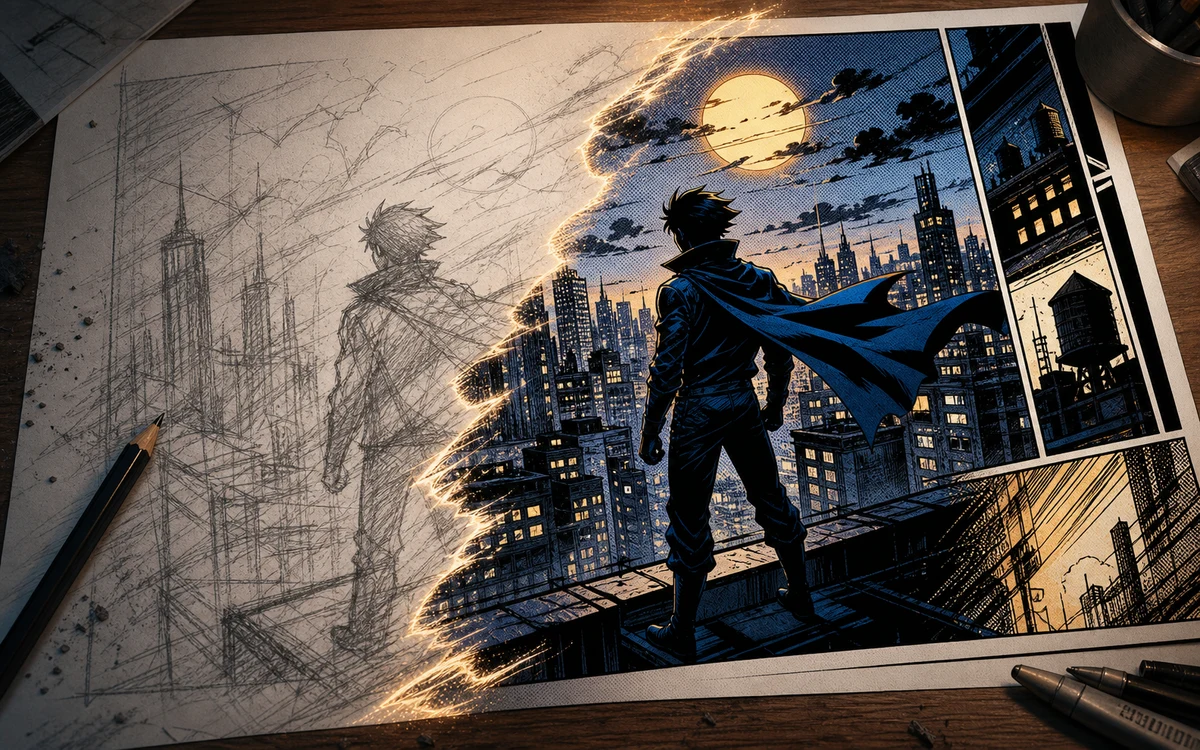
Sketch to comic conversion with pencil city scene becoming a finished panel

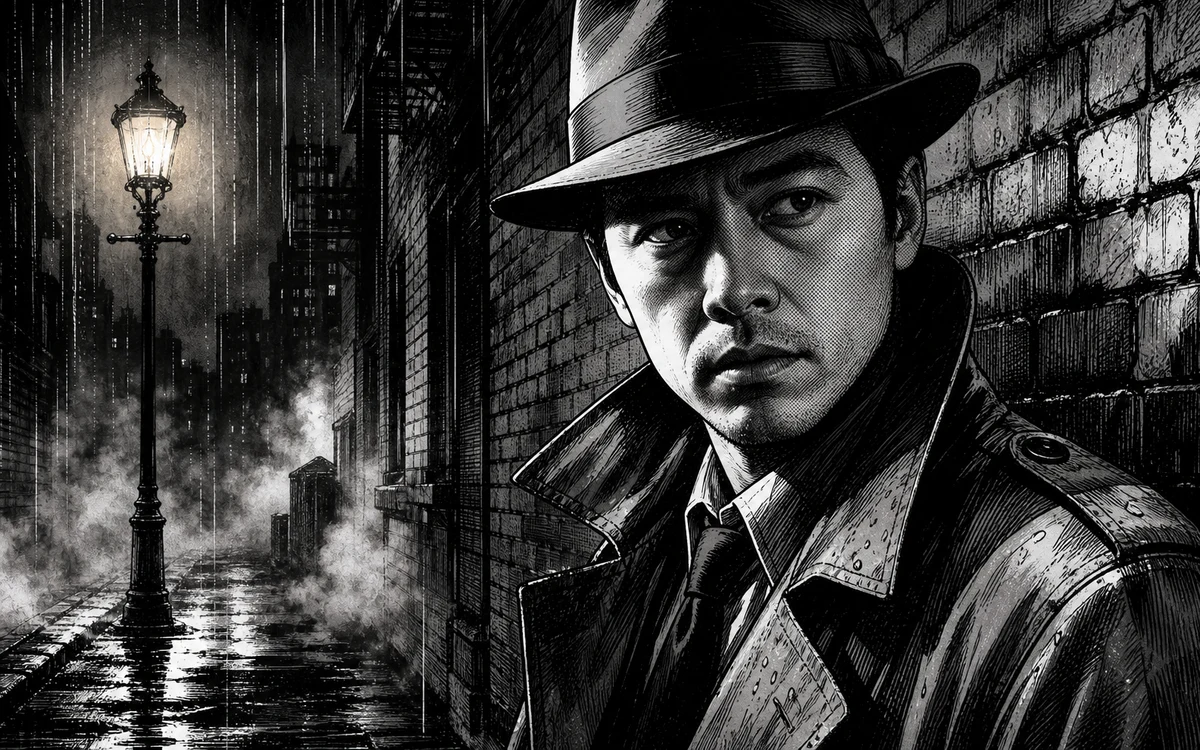
Dramatic Manga

Express intensity with dramatic manga style

Ask for sharp ink lines, heavy speed-line backgrounds, high-contrast screentone, dramatic facial shadows, and the emotional intensity of a shounen climax panel.

Dramatic mangaAction expressionShounen style
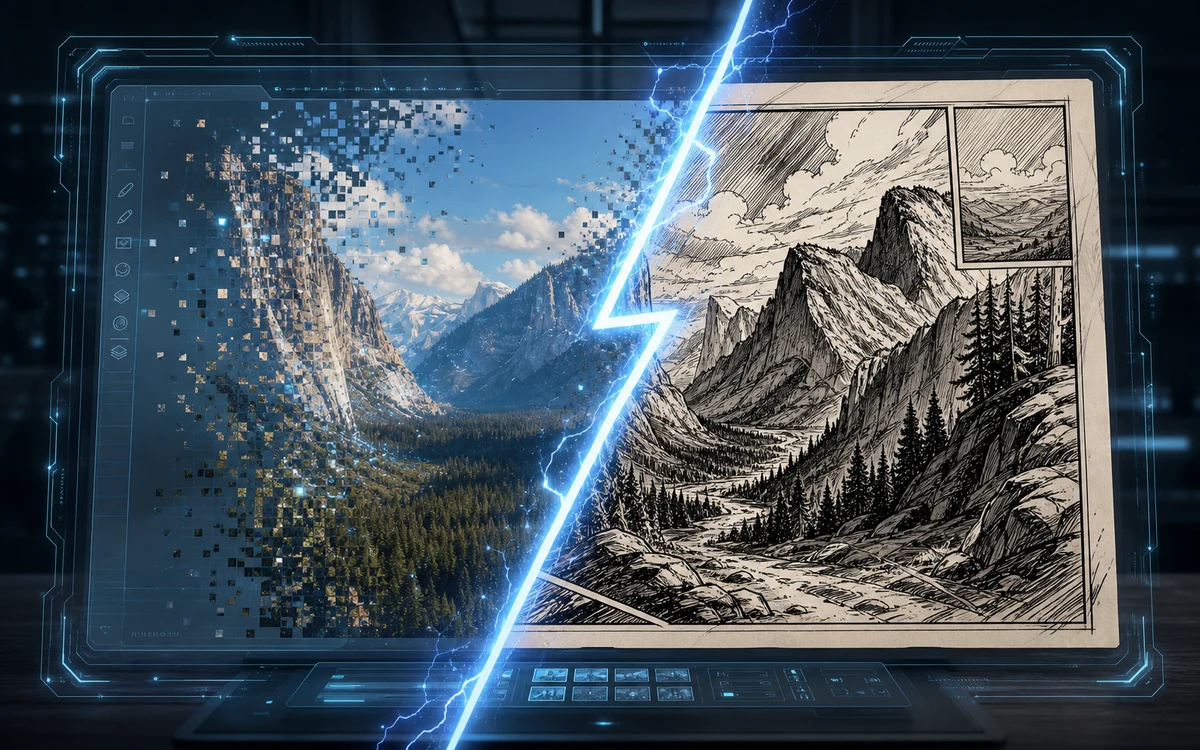
Screenshot to comic conversion with a digital photo becoming a hand drawn panel

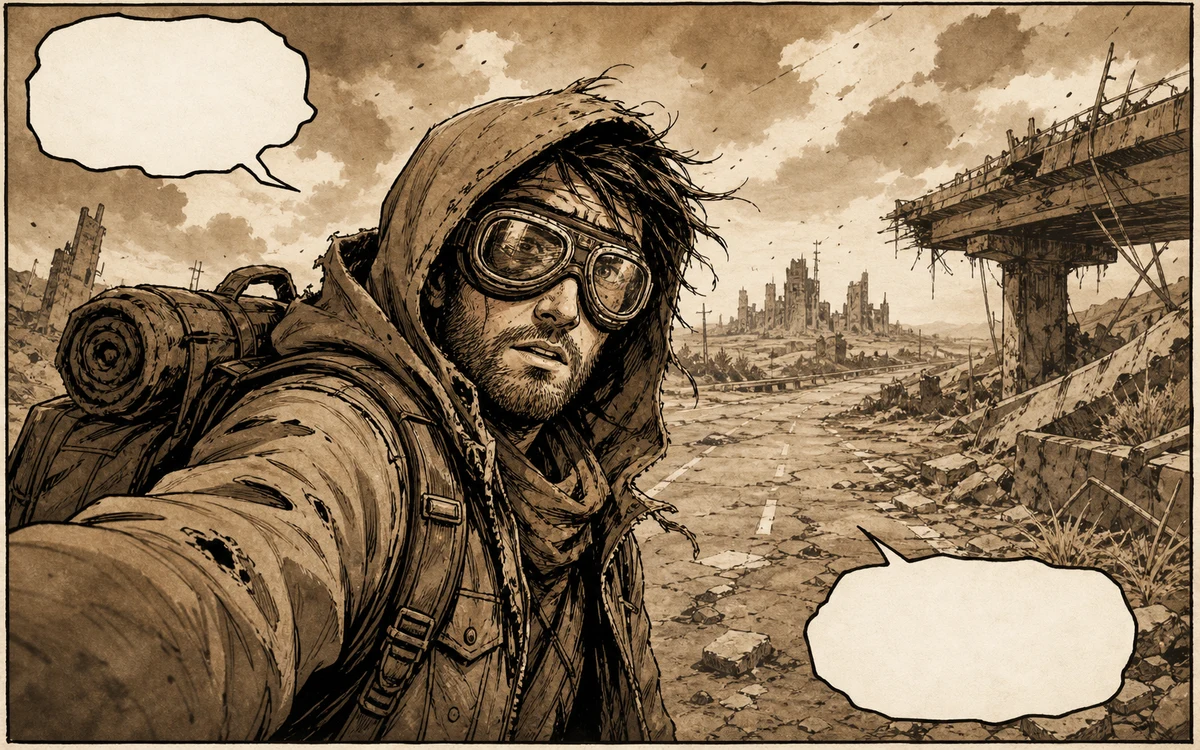
Quiet Slice-of-Life

Create a quiet slice-of-life comic moment

Go for loose ink contours, muted natural colors, soft window-light shading, empty thought-bubble space, and the gentle intimacy of a slice-of-life manga panel.

Slice of lifeQuiet comicIntimate portrait
Workflow

How to turn a selfie into an expressive comic portrait

Emochiai reads the emotional content of your photo and amplifies it in the comic redraw. Here is how to guide that process.

1

Choose a selfie with feeling

Pick a photo where your expression is clear — a smile, a thoughtful look, a laugh, a quiet moment. The AI uses your expression as the emotional anchor for the comic.

2

Describe the emotional tone

Tell Emochiai the mood to amplify: warm and romantic, bold and confident, soft and introspective, playful and energetic. Emotion drives the art style.

3

Keep your likeness intact

List the features that make you recognizable: eye shape, smile, nose profile, hair texture, face structure. The AI preserves those while adapting the style to the mood.

4

Adjust the expressive intensity

Too subtle? Ask for stronger emotional cues: bigger eyes, softer blush, bolder lines, more dramatic lighting. Too intense? Dial it back toward natural.

Emotional comic styles to explore

Three expressive directions, each with a different emotional register.

Emochiai Selfie to Comic — FAQ

How Emochiai turns selfies into emotionally expressive comic portraits. A strong selfie to comic result keeps the face recognizable while changing line art, shading, background, and mood. Use selfie to comic for profile images, creator avatars, reaction panels, and story characters that start from a real photo. The selfie to comic prompt should mention the uploaded selfie, comic style, face angle, emotion, and background. If the first selfie to comic result feels generic, ask the selfie to comic generator to preserve hairstyle, glasses, expression, and clothing colors more tightly. Use selfie to comic as the core instruction for each generation, then repeat selfie to comic in refinements when likeness matters. A selfie to comic workflow should compare the uploaded face with the finished comic portrait, checking hairstyle, glasses, expression, clothing color, and face angle before choosing a final image. Strong selfie to comic prompts keep one comic style and one clean background.


Express yourself in comic art

Upload a selfie, describe the mood, and let Emochiai turn your expression into a hand-drawn comic portrait.

Express in Comic Style